Healthcare and nursingBehavioral health de-escalation
VR training module
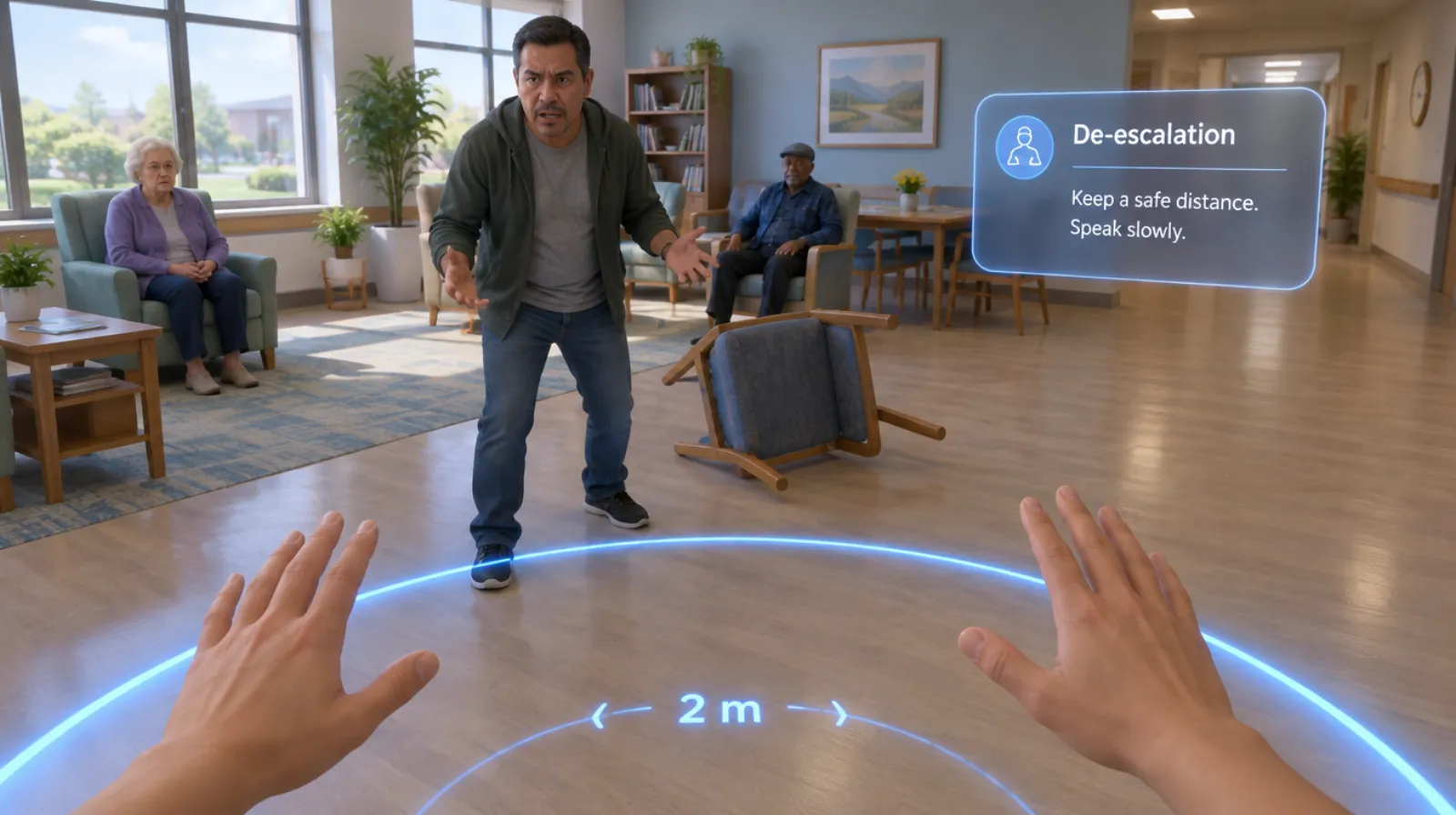
Stay calm, keep your distance, and bring the situation down.
A resident or patient becomes angry and frightened in a shared space. Learners practice positioning, tone, and words that lower the temperature, and know when to call for help.
- Every action, decision, and word recorded and analyzed
- Runs on Meta Quest headsets, managed from the Bubbler Hub
- Adapted to your procedures before rollout
Signs you need this
Signs your training needs more practice
Staff freeze or argue
Under pressure, people match the other person’s volume or try to win the argument.
Positioning puts staff at risk
Staff stand too close, block exits, or turn their back.
Other residents get pulled in
Nobody moves bystanders away while the situation escalates.
Help comes too late
Staff wait too long to call for backup, or call too many people at once.
Incidents aren’t debriefed
Nobody reviews what worked, so the next incident goes the same way.
What the module includes
5 chapters, in the order the work happens.
Learners can run the whole module or repeat a single chapter until they have it.
- 01
Read the situation
Notice early signs of distress before they become a crisis.
- 02
Position yourself safely
Keep a safe distance, stay at an angle, and leave a way out for both of you.
- 03
Lower the temperature
Speak slowly, use the person’s name, acknowledge feelings, and offer simple choices.
- 04
Protect others
Calmly move other residents away and reduce noise.
- 05
Call for help and debrief
Know when and how to bring in a colleague or supervisor, then report what happened.
What gets recorded
Every attempt, analyzed step by step.
- Distance and position
- How close the learner stood and whether exits stayed clear.
- What was said
- Tone, words used, and how the person responded.
- Bystanders
- Whether other people were moved to safety.
- Escalation
- When help was called and what the report included.
Built around your work
Your procedure, not a generic one.
- Your behavioral health policies and crisis response
- Your de-escalation framework, if you use one
- The layout of your common areas
- Your incident reporting process
Your subject-matter experts review the module before anyone trains on it.
- 01
Live view
Watch what the learner sees in the headset from a laptop or tablet, with the current task, step, and progress. The video stream isn’t stored; the session record is.
- 02
Session record
Every step taken or missed, in order and timed, plus the decisions the learner made and what they said.
- 03
Learner history
Every attempt for each person, so you can see what improved and what still needs another run.
- 04
Program dashboard
Completion across the group, the steps most people miss, and who needs another attempt or a conversation.
- 05
Reports and exports
Dated completion reports for each person, as PDF or data files, for training files, audits, and accreditation.
Not just another course
What changes when practice moves into a headset.
| Classroom or video | This module | |
|---|---|---|
| How people learn | Slides, video, or a demonstration | Doing each step themselves |
| Mistakes | Found later, on the job | Shown the moment they happen |
| Consistency | Depends on the trainer | Same scenario for everyone |
| Repetition | Limited by time, materials, and equipment | As many attempts as each person needs |
| Records | Sign-in sheet | Each step, decision, and attempt, by person |
Related modules
Often run together.
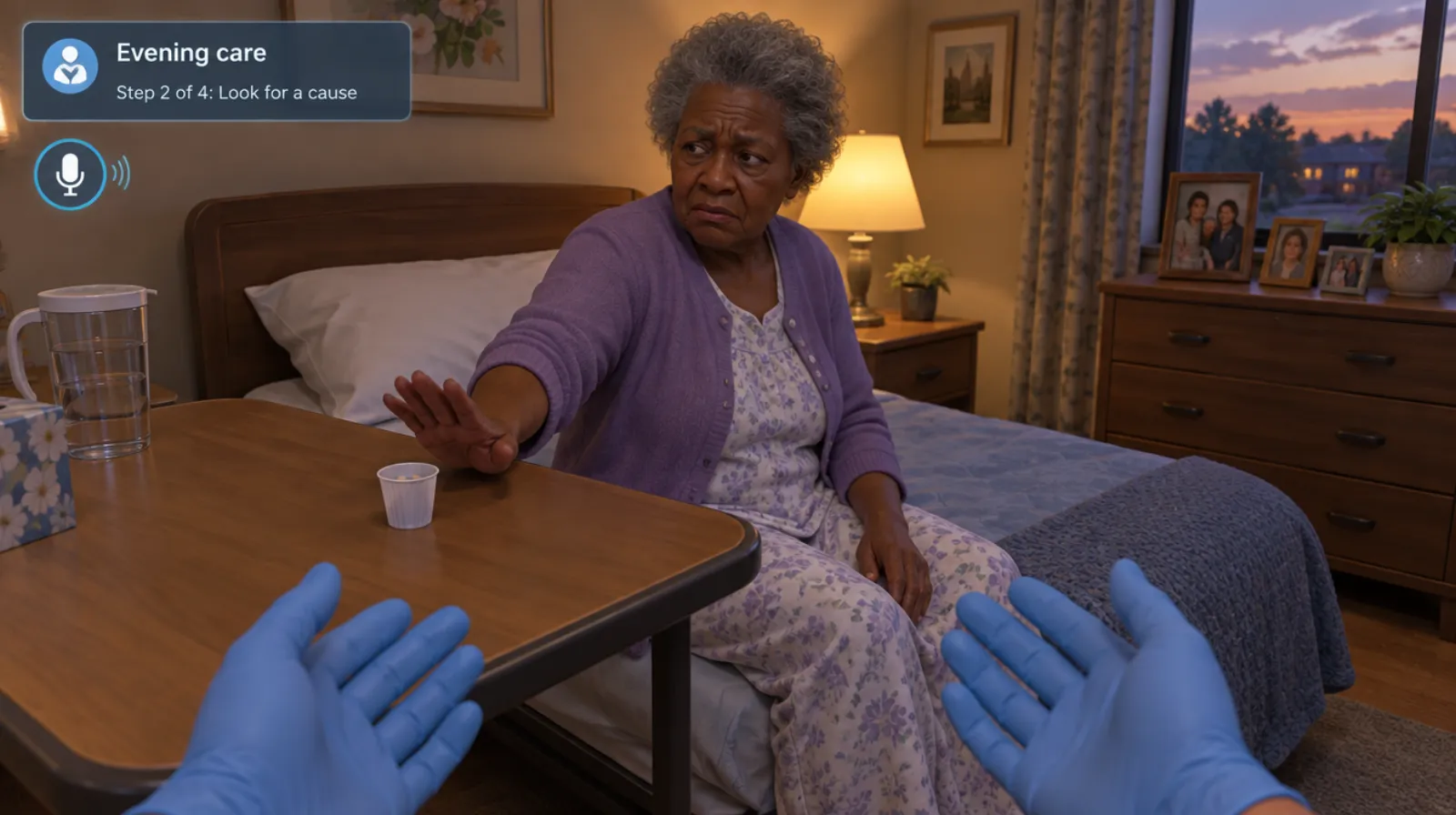
Dementia care
Agitation, care refusal, and late-day confusion in residents with dementia.
Read more →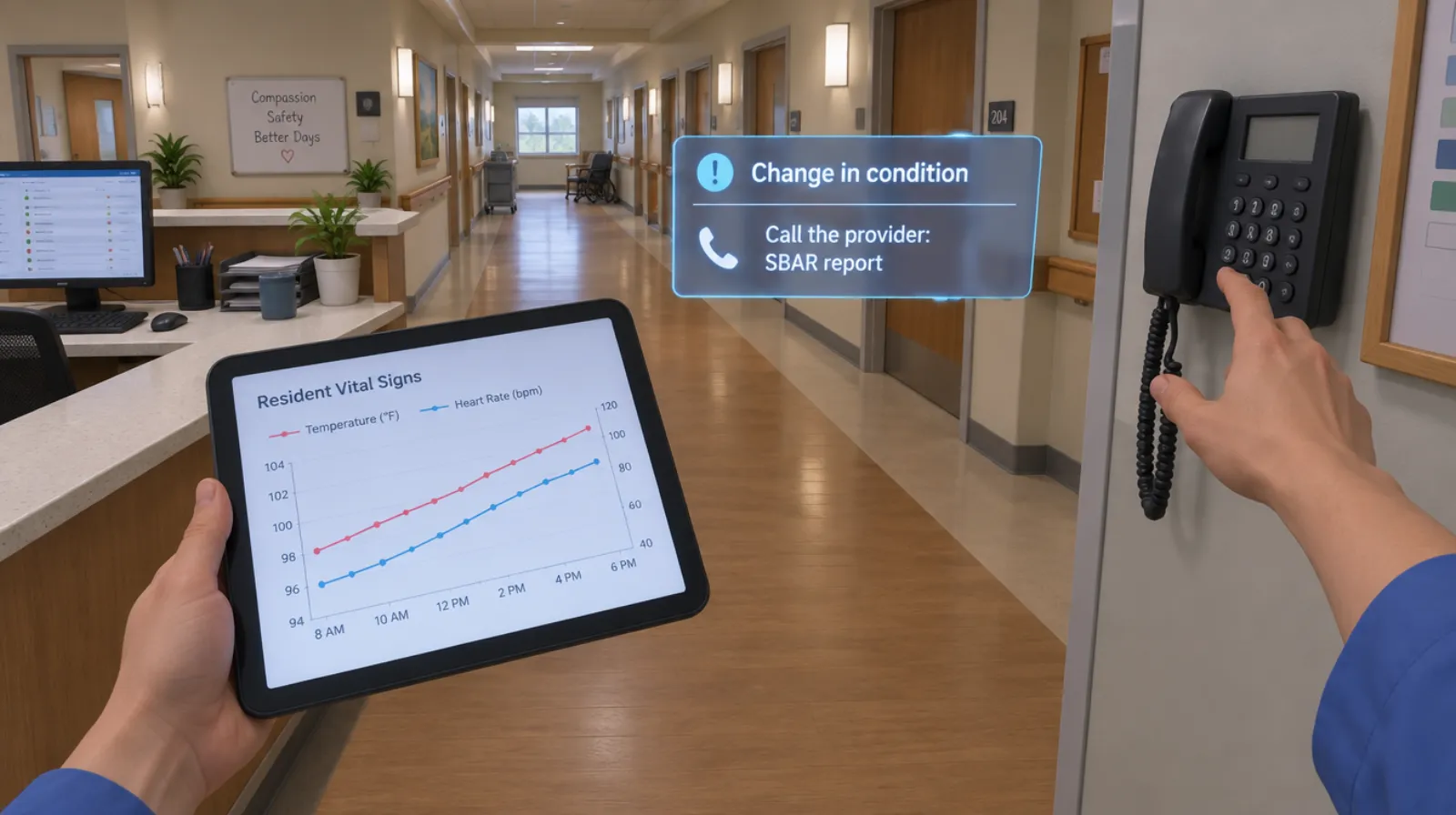
Change in condition and SBAR
Noticing that a resident or patient is different, and calling it in clearly.
Read more →Exit-seeking and missing residents
5 chapters
Exit-seeking and missing residents
Responding to a resident trying to leave, and to a resident who is missing.
Read more →Questions
About this module.
No. It gives staff more practice with what that training teaches. Certification stays with your provider.
See behavioral health de-escalation in a headset.
Book a demo and we’ll walk you through the module, show you what the records look like, and talk about adapting it to your team.