Blue tech, defense, and governmentConfined space entry
VR training module
Test the air, check the permit, then go in.
Entrants, attendants, and supervisors practice a permit-required confined space entry, from atmospheric testing to an emergency that requires a rescue plan.
- Every action, decision, and word recorded and analyzed
- Runs on Meta Quest headsets, managed from the Bubbler Hub
- Adapted to your procedures before rollout
Confined space entry
- 01Permit
- 02Test the atmosphere
- 03Enter and monitor
- 04Emergency
- 05Close out
Signs you need this
Signs your training needs more practice
Atmospheric tests are skipped
Entrants assume the space is safe.
Attendants leave their post
The attendant gets distracted or helps inside.
Rescue plans are untested
Nobody has practiced getting someone out.
Permits are incomplete
Fields are skipped or filled in after entry.
Would-be rescuers become victims
People enter to help without protection.
What the module includes
5 chapters, in the order the work happens.
Learners can run the whole module or repeat a single chapter until they have it.
- 01
Permit
Complete the entry permit.
- 02
Test the atmosphere
Test oxygen, flammable gas, and toxics, top to bottom.
- 03
Enter and monitor
Enter with continuous monitoring and an attendant.
- 04
Emergency
Respond when an alarm sounds or an entrant collapses.
- 05
Close out
Exit and close the permit.
What gets recorded
Every attempt, analyzed step by step.
- Permit
- Fields completed before entry.
- Testing
- Test order and readings.
- Attendant
- Whether the attendant stayed at their post.
- Rescue
- Actions taken in the emergency.
Built around your work
Your procedure, not a generic one.
- Your spaces
- Your permit
- Your gas meters
- Your rescue plan
Your subject-matter experts review the module before anyone trains on it.
- 01
Live view
Watch what the learner sees in the headset from a laptop or tablet, with the current task, step, and progress. The video stream isn’t stored; the session record is.
- 02
Session record
Every step taken or missed, in order and timed, plus the decisions the learner made and what they said.
- 03
Learner history
Every attempt for each person, so you can see what improved and what still needs another run.
- 04
Program dashboard
Completion across the group, the steps most people miss, and who needs another attempt or a conversation.
- 05
Reports and exports
Dated completion reports for each person, as PDF or data files, for training files, audits, and accreditation.
Not just another course
What changes when practice moves into a headset.
| Classroom or video | This module | |
|---|---|---|
| How people learn | Slides, video, or a demonstration | Doing each step themselves |
| Mistakes | Found later, on the job | Shown the moment they happen |
| Consistency | Depends on the trainer | Same scenario for everyone |
| Repetition | Limited by time, materials, and equipment | As many attempts as each person needs |
| Records | Sign-in sheet | Each step, decision, and attempt, by person |
Related modules
Often run together.
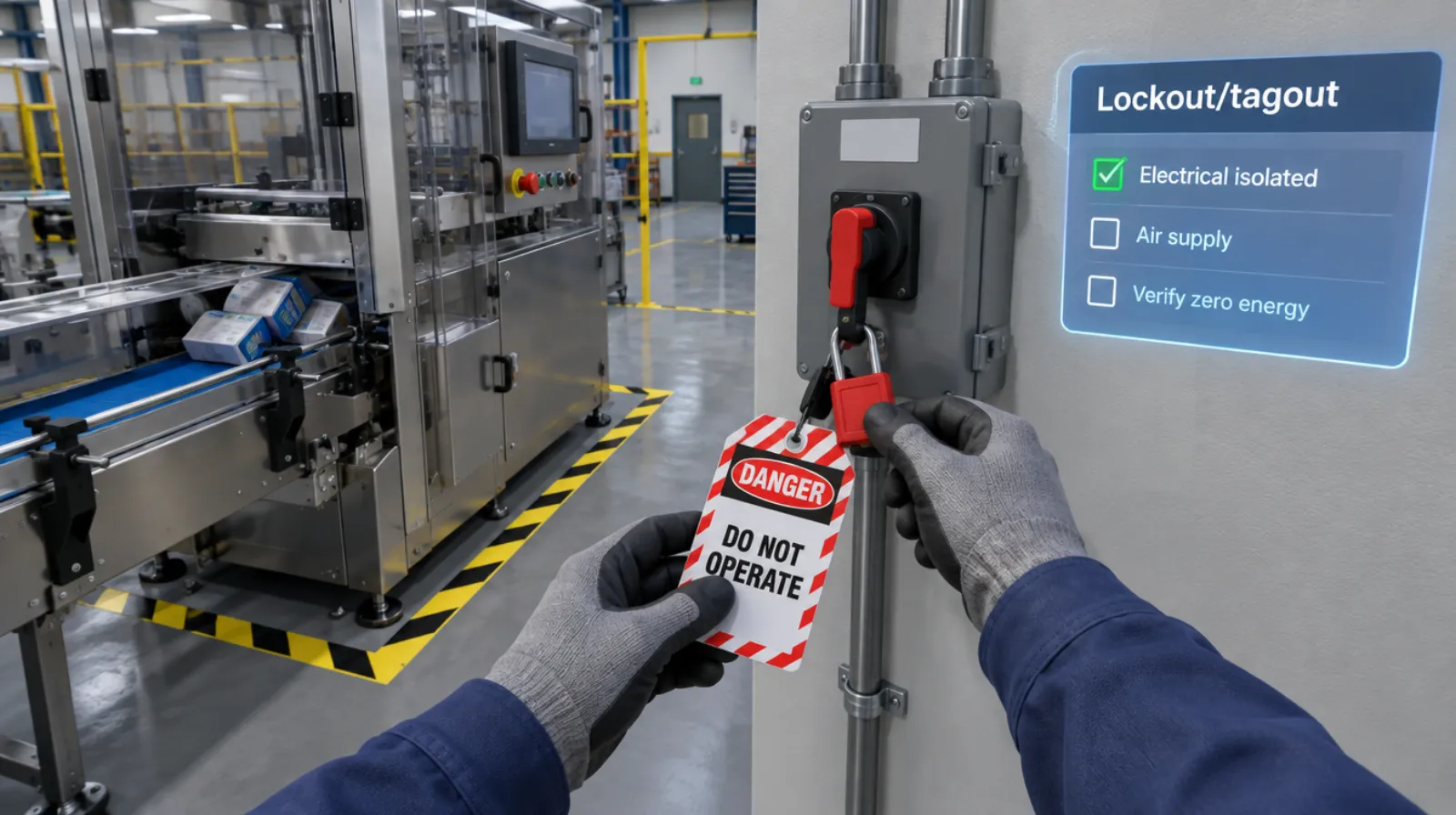
Lockout/tagout
Isolating every energy source and proving zero energy before work begins.
Read more →Machine startup and changeover
5 chapters
Machine startup and changeover
Pre-start checks, startup, changeover, and shutdown sequences.
Read more →Forklift and pedestrian safety
5 chapters
Forklift and pedestrian safety
Pre-use inspection, load handling, and working around people.
Read more →Questions
About this module.
It supports your training with practice.
See confined space entry in a headset.
Book a demo and we’ll walk you through the module, show you what the records look like, and talk about adapting it to your team.