ManufacturingMachine startup and changeover
VR training module
The startup and changeover sequence, practiced before the first real run.
New operators learn the controls, the pre-start checks, and the changeover order on a model of your line. They practice until the sequence is automatic, then move to the real machine with a trainer.
- Every action, decision, and word recorded and analyzed
- Runs on Meta Quest headsets, managed from the Bubbler Hub
- Adapted to your procedures before rollout
Machine startup and changeover
- 01Know the machine
- 02Pre-start checks
- 03Startup
- 04Changeover
- 05Shutdown and handoff
Signs you need this
Signs your training needs more practice
Changeovers take too long
Each operator does them a little differently, and some steps are repeated or skipped.
Pre-start checks get skipped
Guards, settings, and material checks are rushed at the start of a shift.
Training ties up the line
A trainer and a machine are needed for every new operator.
Mistakes damage tooling
A wrong setting or missed step damages parts or scraps product.
Knowledge sits with a few people
Only the senior operators really know the sequence.
What the module includes
5 chapters, in the order the work happens.
Learners can run the whole module or repeat a single chapter until they have it.
- 01
Know the machine
Walk around the equipment and identify the controls, guards, and stops.
- 02
Pre-start checks
Guards, settings, materials, and the area, before anything runs.
- 03
Startup
Start the machine in the right order and confirm it is running correctly.
- 04
Changeover
Stop, change tooling and settings, and verify the first piece.
- 05
Shutdown and handoff
Shut down in order and hand off to the next shift with notes.
What gets recorded
Every attempt, analyzed step by step.
- Checks
- Each pre-start check completed or skipped.
- Sequence
- Startup and changeover steps in the order they were done.
- Settings
- Settings chosen compared with the specification.
- Time
- How long each phase took, for comparison over attempts.
Built around your work
Your procedure, not a generic one.
- Your line and its controls
- Your standard work and changeover procedure
- Product-specific settings
- Your shift handoff notes
Your subject-matter experts review the module before anyone trains on it.
- 01
Live view
Watch what the learner sees in the headset from a laptop or tablet, with the current task, step, and progress. The video stream isn’t stored; the session record is.
- 02
Session record
Every step taken or missed, in order and timed, plus the decisions the learner made and what they said.
- 03
Learner history
Every attempt for each person, so you can see what improved and what still needs another run.
- 04
Program dashboard
Completion across the group, the steps most people miss, and who needs another attempt or a conversation.
- 05
Reports and exports
Dated completion reports for each person, as PDF or data files, for training files, audits, and accreditation.
Not just another course
What changes when practice moves into a headset.
| Classroom or video | This module | |
|---|---|---|
| How people learn | Slides, video, or a demonstration | Doing each step themselves |
| Mistakes | Found later, on the job | Shown the moment they happen |
| Consistency | Depends on the trainer | Same scenario for everyone |
| Repetition | Limited by time, materials, and equipment | As many attempts as each person needs |
| Records | Sign-in sheet | Each step, decision, and attempt, by person |
Related modules
Often run together.
Infection control and PPE
5 chapters
Infection control and PPE
Hand hygiene and putting on and taking off PPE in the right order.
Read more →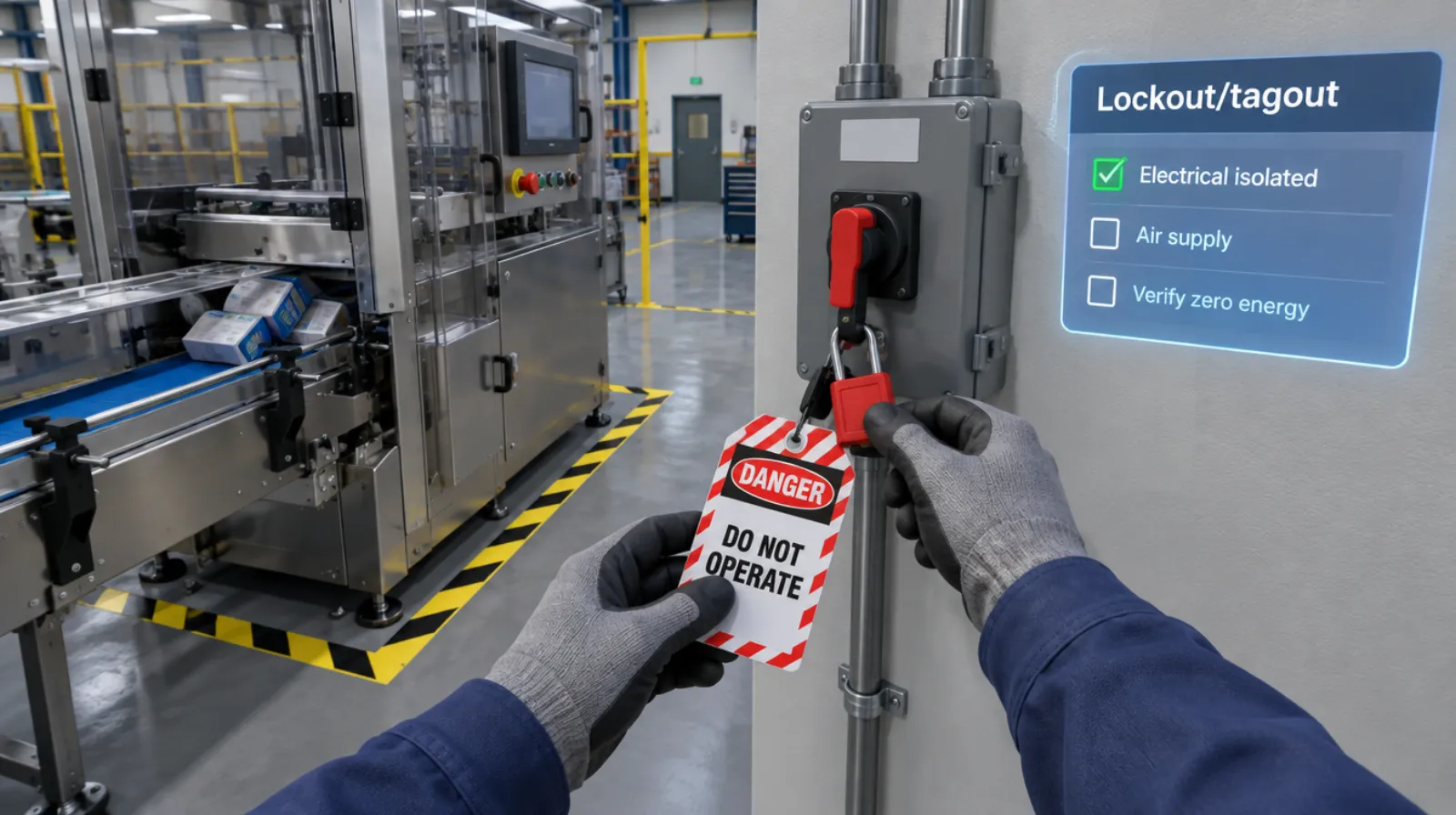
Lockout/tagout
Isolating every energy source and proving zero energy before work begins.
Read more →Forklift and pedestrian safety
5 chapters
Forklift and pedestrian safety
Pre-use inspection, load handling, and working around people.
Read more →Questions
About this module.
Photos, drawings or CAD if available, the standard work, and a walkthrough with an experienced operator.
See machine startup and changeover in a headset.
Book a demo and we’ll walk you through the module, show you what the records look like, and talk about adapting it to your team.