ManufacturingLockout/tagout
VR training module
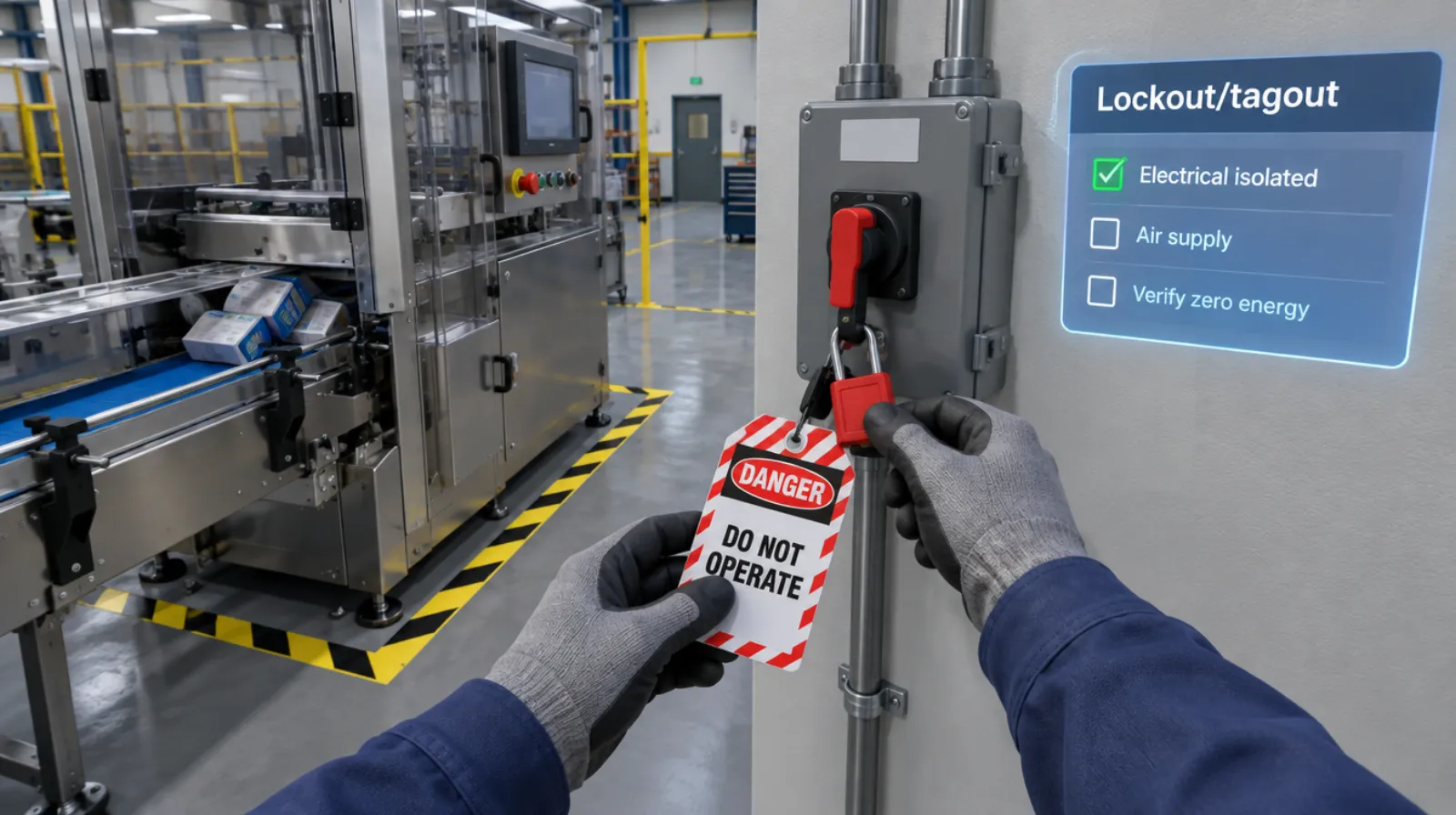
Lockout/tagout practice on your machine, without shutting it down.
Operators and maintenance staff isolate every energy source on a model of your equipment, apply locks and tags, bleed stored energy, and prove the machine is dead before they touch it.
- Every action, decision, and word recorded and analyzed
- Runs on Meta Quest headsets, managed from the Bubbler Hub
- Adapted to your procedures before rollout
Signs you need this
Signs your training needs more practice
Only electrical gets locked
Air, hydraulic, gravity, and spring energy are forgotten.
Zero energy isn’t verified
Nobody tries the start button after locking out.
Group lockouts are confusing
Shift changes and multiple crews make it unclear who holds which lock.
Procedures live in a binder
Machine-specific procedures exist, but few people have practiced them.
Audits find the same gaps
Annual inspections keep turning up the same missed steps.
What the module includes
5 chapters, in the order the work happens.
Learners can run the whole module or repeat a single chapter until they have it.
- 01
Prepare and notify
Read the machine procedure and tell affected workers before shutdown.
- 02
Identify energy sources
Find every source: electrical, pneumatic, hydraulic, gravity, and stored energy.
- 03
Isolate, lock, and tag
Shut down, isolate each source, and apply your personal lock and tag.
- 04
Verify zero energy
Bleed stored energy and try to start the machine.
- 05
Restore
Clear tools and people, remove locks in order, and notify the area.
What gets recorded
Every attempt, analyzed step by step.
- Energy sources
- Each source identified and isolated, or missed.
- Sequence
- The order of every step compared with your procedure.
- Verification
- Whether zero energy was verified before work started.
- Restore
- Whether the area was checked and people notified before restart.
Built around your work
Your procedure, not a generic one.
- Your machines and their energy sources
- Your machine-specific procedures
- Your locks, tags, and group lockout process
- The jams and faults your operators actually clear
Your subject-matter experts review the module before anyone trains on it.
- 01
Live view
Watch what the learner sees in the headset from a laptop or tablet, with the current task, step, and progress. The video stream isn’t stored; the session record is.
- 02
Session record
Every step taken or missed, in order and timed, plus the decisions the learner made and what they said.
- 03
Learner history
Every attempt for each person, so you can see what improved and what still needs another run.
- 04
Program dashboard
Completion across the group, the steps most people miss, and who needs another attempt or a conversation.
- 05
Reports and exports
Dated completion reports for each person, as PDF or data files, for training files, audits, and accreditation.
Not just another course
What changes when practice moves into a headset.
| Classroom or video | This module | |
|---|---|---|
| How people learn | Slides, video, or a demonstration | Doing each step themselves |
| Mistakes | Found later, on the job | Shown the moment they happen |
| Consistency | Depends on the trainer | Same scenario for everyone |
| Repetition | Limited by time, materials, and equipment | As many attempts as each person needs |
| Records | Sign-in sheet | Each step, decision, and attempt, by person |
Related modules
Often run together.
Machine startup and changeover
5 chapters
Machine startup and changeover
Pre-start checks, startup, changeover, and shutdown sequences.
Read more →Forklift and pedestrian safety
5 chapters
Forklift and pedestrian safety
Pre-use inspection, load handling, and working around people.
Read more →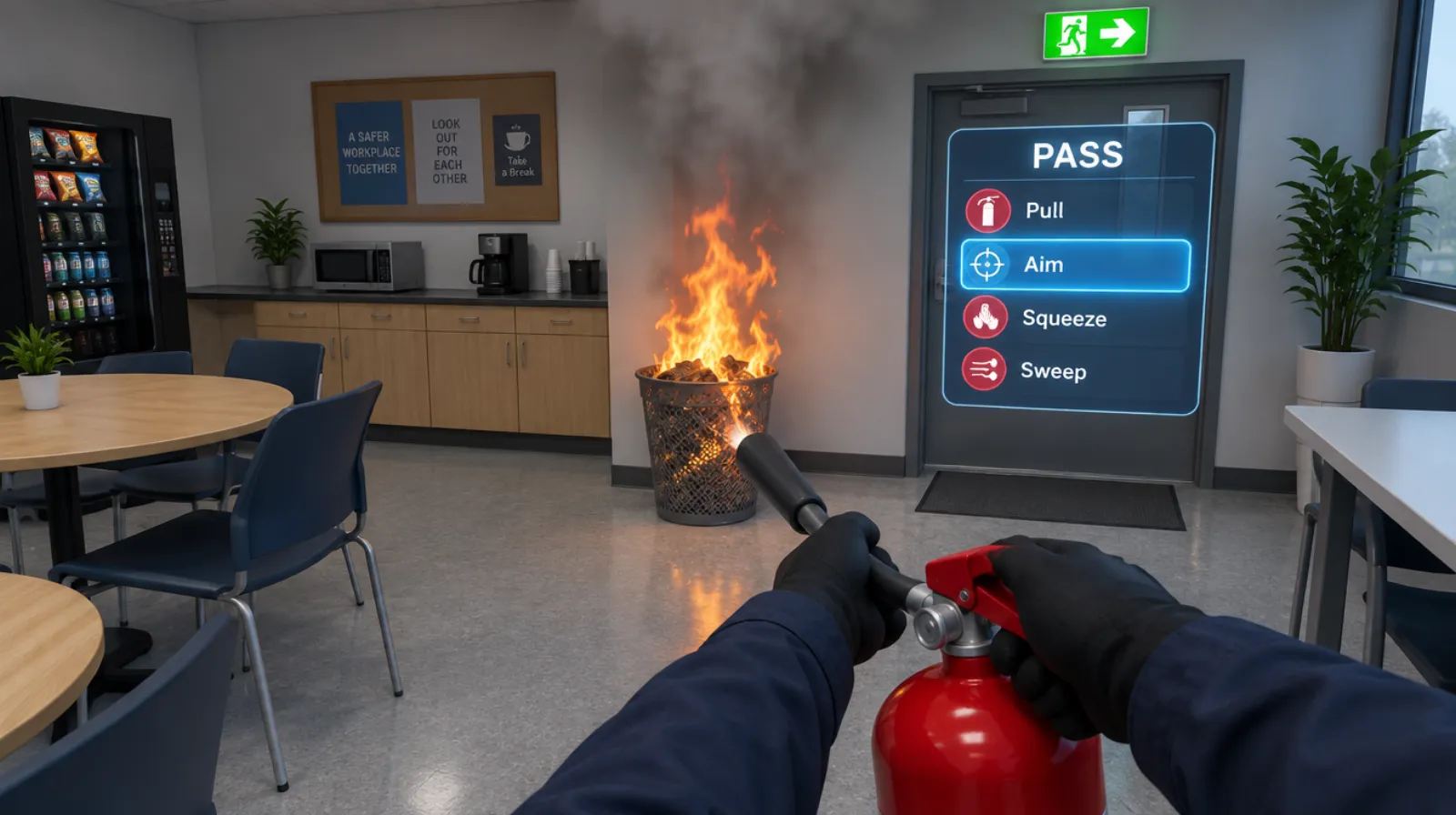
Fire safety
Raising the alarm, choosing the right extinguisher, and evacuating.
Read more →Questions
About this module.
It supports it with practice. Your written program, authorized employee training, and periodic inspections stay in place.
See lockout/tagout in a headset.
Book a demo and we’ll walk you through the module, show you what the records look like, and talk about adapting it to your team.