Skilled trades and constructionExcavator operation
VR training module
Seat time without fuel, wear, or risk.
Trainees walk around the machine, learn the controls, and dig, trench, and load a truck, while watching for utilities, people in the swing radius, and unstable ground.
- Every action, decision, and word recorded and analyzed
- Runs on Meta Quest headsets, managed from the Bubbler Hub
- Adapted to your procedures before rollout
- Built on our excavator VR experience.
Excavator operation
- 01Walk-around
- 02Controls
- 03Dig and trench
- 04Load a truck
- 05Hazards
Signs you need this
Signs your training needs more practice
Seat time is expensive
Fuel, wear, and a trainer for every hour on a real machine.
Walk-arounds are rushed
Leaks, damaged teeth, and missing guards go unnoticed.
Swing radius incidents
Workers on foot get too close to a turning machine.
Utility strikes
Operators dig without confirming marked utilities.
New operators are nervous
Their first time at the controls is on a real site.
What the module includes
5 chapters, in the order the work happens.
Learners can run the whole module or repeat a single chapter until they have it.
- 01
Walk-around
Inspect the machine and find the faults before starting.
- 02
Controls
Learn the joystick pattern and practice smooth movements.
- 03
Dig and trench
Dig to a line and depth while watching marked utilities.
- 04
Load a truck
Swing and load safely with a spotter.
- 05
Hazards
Respond to a worker in the swing radius or unstable ground.
What gets recorded
Every attempt, analyzed step by step.
- Inspection
- Faults found or missed.
- Control
- Smoothness and accuracy of movements.
- Hazards
- Response to people, utilities, and ground conditions.
- Productivity
- Time to complete each task.
Built around your work
Your procedure, not a generic one.
- Your machine types
- Your site conditions
- Your inspection checklist
- Your utility locating procedure
Your subject-matter experts review the module before anyone trains on it.
- 01
Live view
Watch what the learner sees in the headset from a laptop or tablet, with the current task, step, and progress. The video stream isn’t stored; the session record is.
- 02
Session record
Every step taken or missed, in order and timed, plus the decisions the learner made and what they said.
- 03
Learner history
Every attempt for each person, so you can see what improved and what still needs another run.
- 04
Program dashboard
Completion across the group, the steps most people miss, and who needs another attempt or a conversation.
- 05
Reports and exports
Dated completion reports for each person, as PDF or data files, for training files, audits, and accreditation.
Not just another course
What changes when practice moves into a headset.
| Classroom or video | This module | |
|---|---|---|
| How people learn | Slides, video, or a demonstration | Doing each step themselves |
| Mistakes | Found later, on the job | Shown the moment they happen |
| Consistency | Depends on the trainer | Same scenario for everyone |
| Repetition | Limited by time, materials, and equipment | As many attempts as each person needs |
| Records | Sign-in sheet | Each step, decision, and attempt, by person |
Related modules
Often run together.
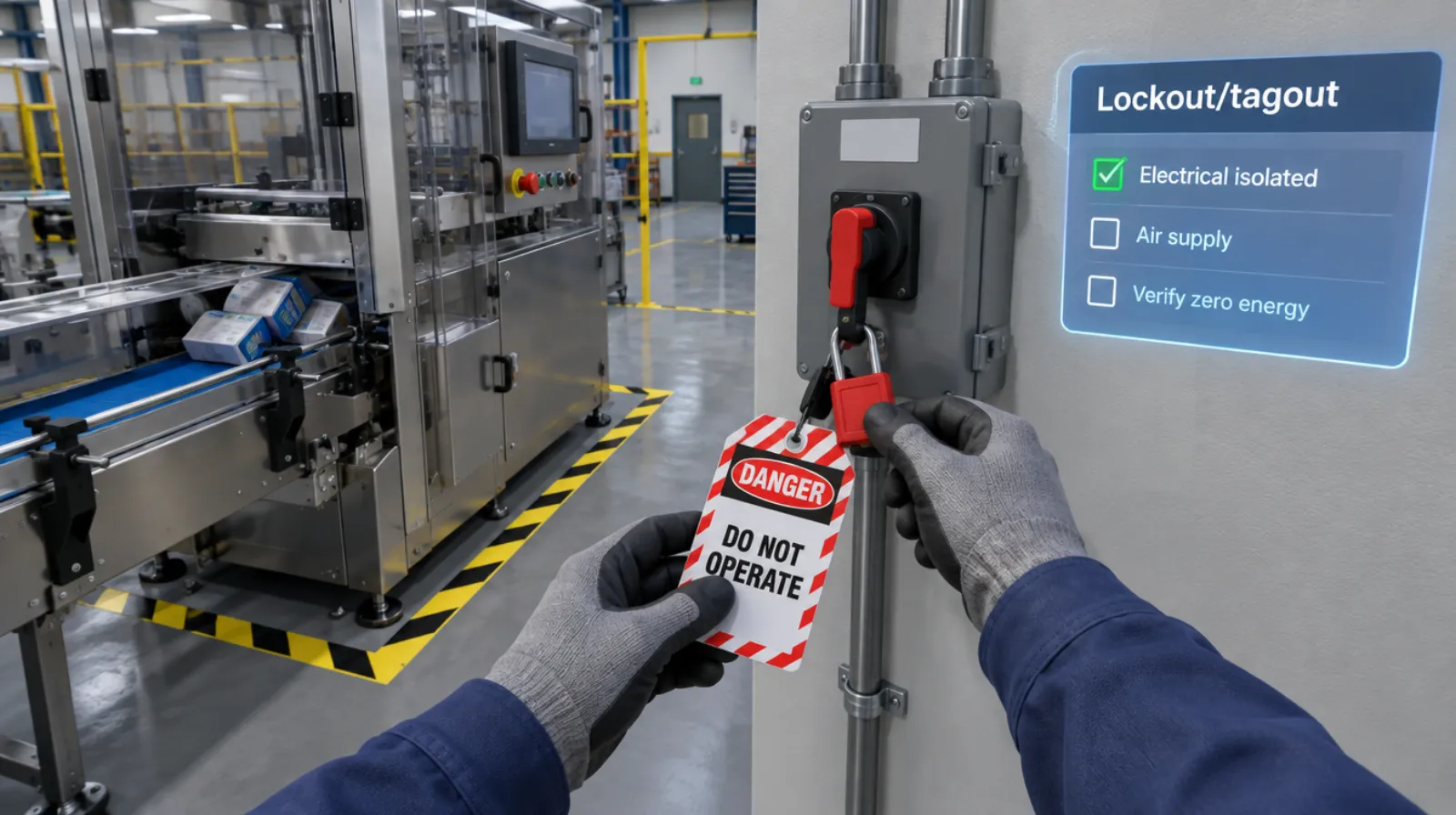
Lockout/tagout
Isolating every energy source and proving zero energy before work begins.
Read more →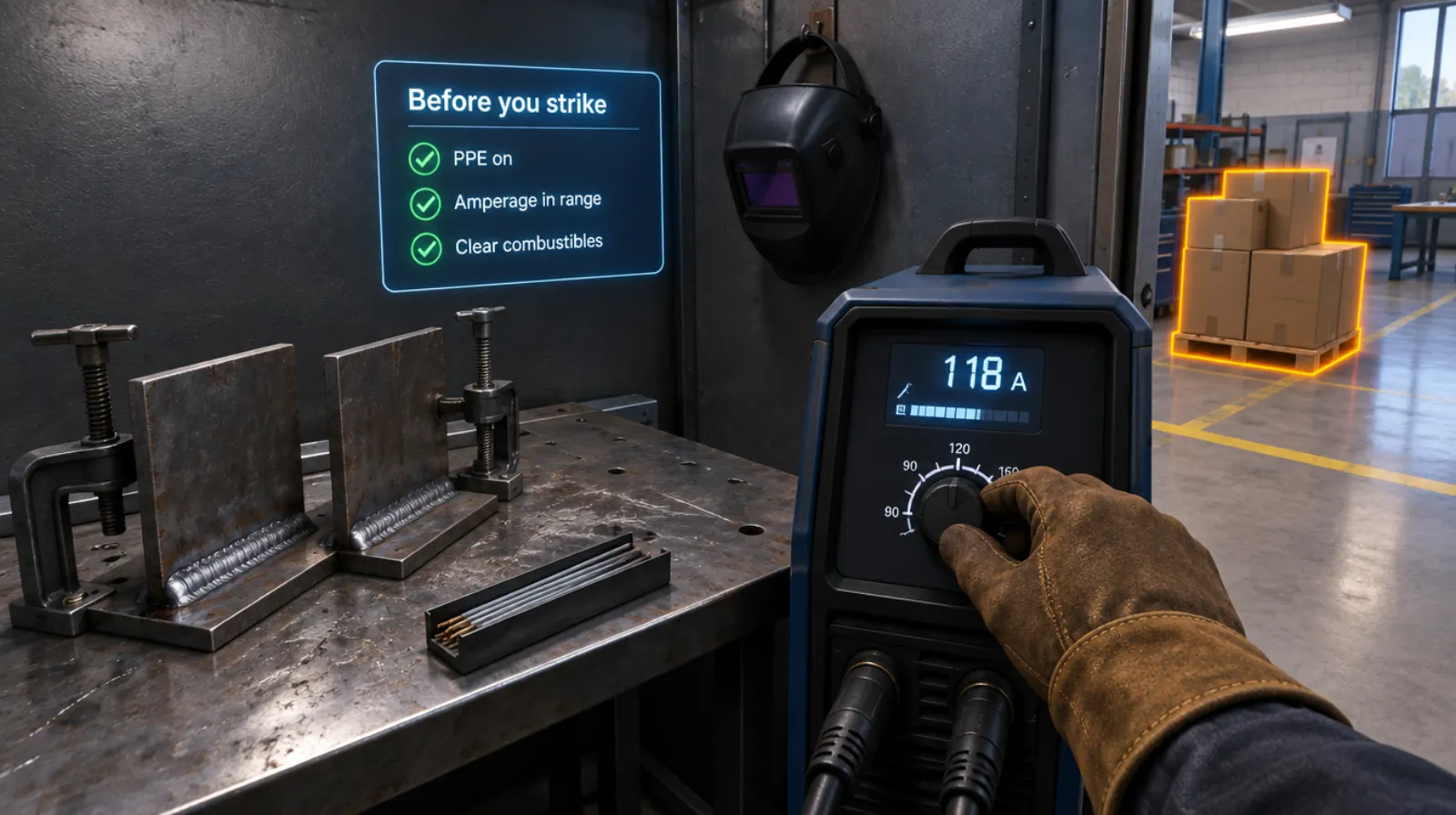
Welding setup and safety
PPE, machine settings, fire watch, and the handoff, before the arc strikes.
Read more →Electrical safety
5 chapters
Electrical safety
Working on a panel safely: lockout, testing, and arc flash awareness.
Read more →Questions
About this module.
No. It adds practice before and between supervised seat time.
See excavator operation in a headset.
Book a demo and we’ll walk you through the module, show you what the records look like, and talk about adapting it to your team.