Skilled trades and constructionWelding setup and safety
VR training module
Everything that happens before the arc strikes.
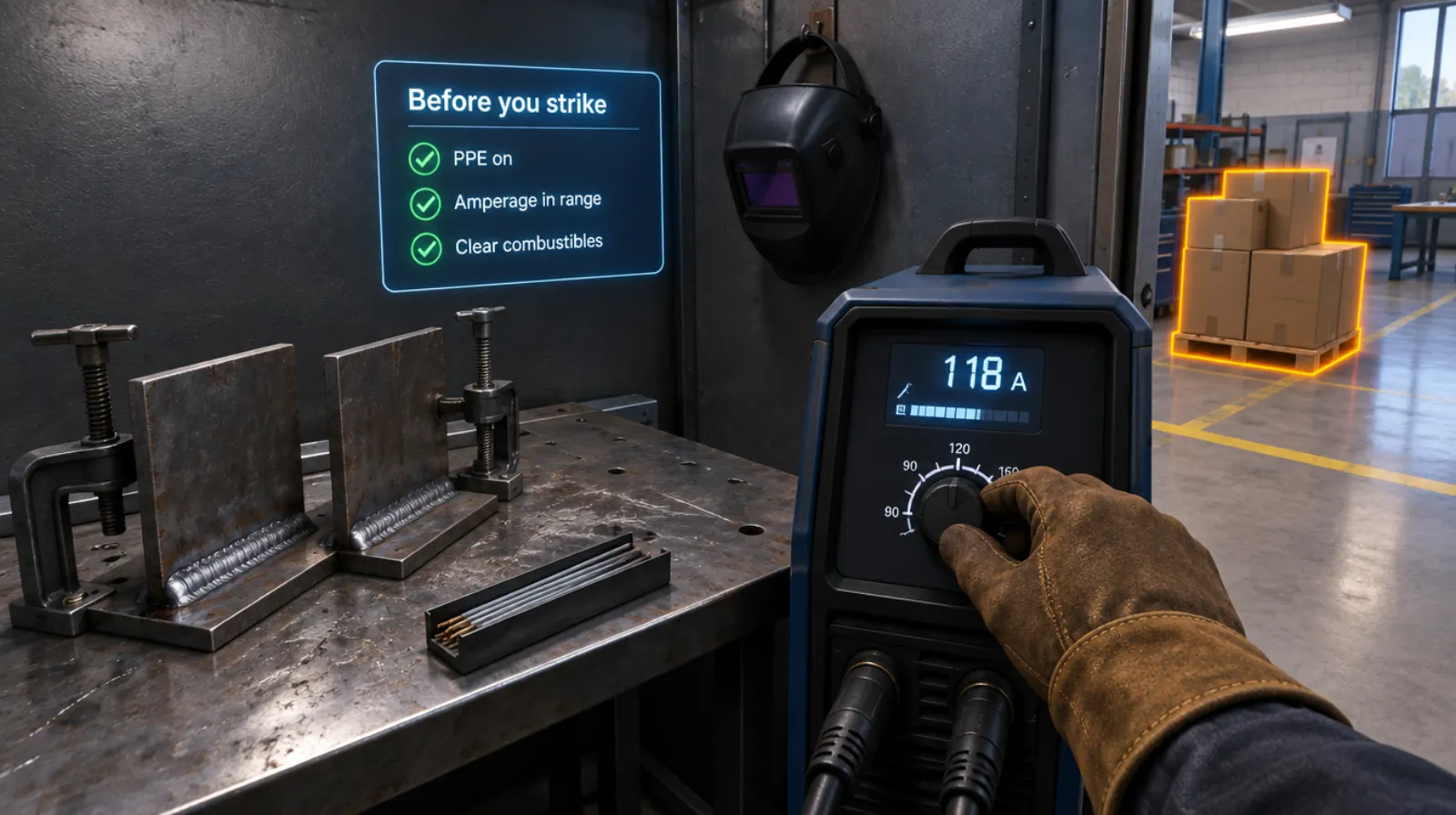
Apprentices set up a welding booth: PPE, machine settings, combustibles, fire watch, and ventilation. Then they weld and hand off, reporting any equipment problem to the next person.
- Every action, decision, and word recorded and analyzed
- Runs on Meta Quest headsets, managed from the Bubbler Hub
- Adapted to your procedures before rollout
- Built on our marine welding Sim Lab and welding records.
Signs you need this
Signs your training needs more practice
Settings are guessed
Students set amperage by trial and error and waste rods and plates.
Fire watch is forgotten
Hot work starts with combustibles nearby and no one watching.
PPE goes on late
Gloves or glasses go on after the machine is switched on.
Equipment problems aren’t reported
A damaged lead or ground clamp is left for the next person.
Booth time is limited
Students wait for a booth instead of practicing.
What the module includes
5 chapters, in the order the work happens.
Learners can run the whole module or repeat a single chapter until they have it.
- 01
PPE
Put on hood, gloves, jacket, and glasses before switching on.
- 02
Machine setup
Choose the process and set amperage for the rod, plate, and position.
- 03
Hot work safety
Clear combustibles, check ventilation, and post a fire watch.
- 04
Weld
Complete the weld in the right position.
- 05
Shut down and hand off
Shut down, inspect, and report equipment problems to the next person.
What gets recorded
Every attempt, analyzed step by step.
- PPE
- Each item on before the arc, or late.
- Settings
- Amperage compared with the procedure range.
- Hot work
- Combustibles cleared and fire watch posted.
- Handoff
- Whether equipment problems were reported.
Built around your work
Your procedure, not a generic one.
- Your welding procedures and positions
- Your machines and processes
- Your hot work permit
- Shipyard or jobsite conditions
Your subject-matter experts review the module before anyone trains on it.
- 01
Live view
Watch what the learner sees in the headset from a laptop or tablet, with the current task, step, and progress. The video stream isn’t stored; the session record is.
- 02
Session record
Every step taken or missed, in order and timed, plus the decisions the learner made and what they said.
- 03
Learner history
Every attempt for each person, so you can see what improved and what still needs another run.
- 04
Program dashboard
Completion across the group, the steps most people miss, and who needs another attempt or a conversation.
- 05
Reports and exports
Dated completion reports for each person, as PDF or data files, for training files, audits, and accreditation.
Not just another course
What changes when practice moves into a headset.
| Classroom or video | This module | |
|---|---|---|
| How people learn | Slides, video, or a demonstration | Doing each step themselves |
| Mistakes | Found later, on the job | Shown the moment they happen |
| Consistency | Depends on the trainer | Same scenario for everyone |
| Repetition | Limited by time, materials, and equipment | As many attempts as each person needs |
| Records | Sign-in sheet | Each step, decision, and attempt, by person |
Related modules
Often run together.
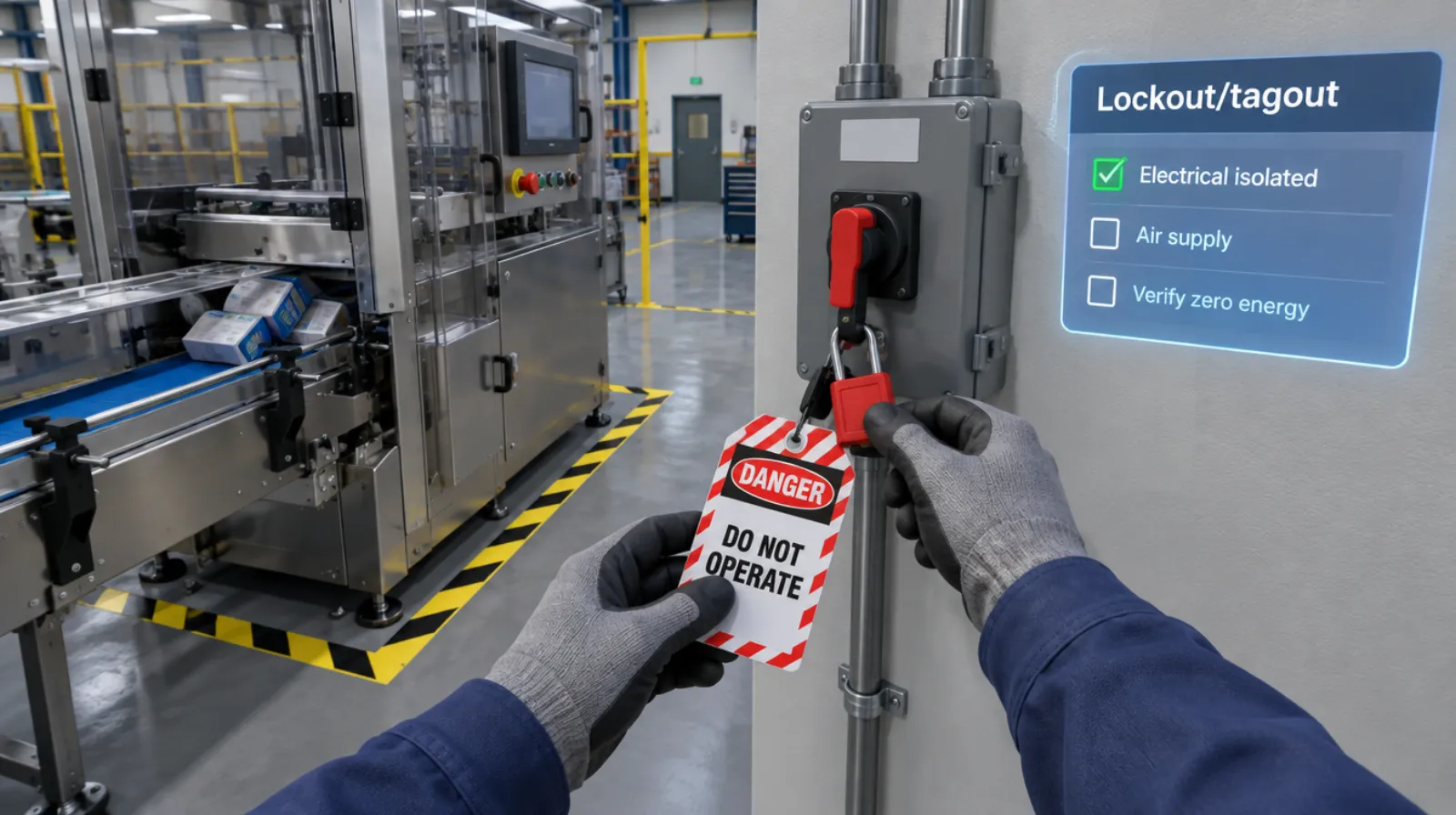
Lockout/tagout
Isolating every energy source and proving zero energy before work begins.
Read more →Electrical safety
5 chapters
Electrical safety
Working on a panel safely: lockout, testing, and arc flash awareness.
Read more →Excavator operation
5 chapters
Excavator operation
Walk-around inspection, controls, and digging near hazards.
Read more →Questions
About this module.
It focuses on setup, safety, and the order of work. Arc technique is still learned in a real booth.
See welding setup and safety in a headset.
Book a demo and we’ll walk you through the module, show you what the records look like, and talk about adapting it to your team.