Healthcare and nursingInfection control and PPE
VR training module
Hand hygiene and PPE, done in order, every time.
Learners care for a person on isolation precautions, choosing the right PPE, putting it on and taking it off in sequence, and cleaning their hands at the right moments. Every contamination is shown the moment it happens.
- Every action, decision, and word recorded and analyzed
- Runs on Meta Quest headsets, managed from the Bubbler Hub
- Adapted to your procedures before rollout
Infection control and PPE
- 01Read the precautions
- 02Put PPE on
- 03Provide care
- 04Take PPE off
- 05Hand hygiene moments
Signs you need this
Signs your training needs more practice
Doffing order slips
Gloves come off last, or a gown is pulled over the head.
Hand hygiene is missed between tasks
Staff clean their hands at the door but not between dirty and clean tasks.
Precaution signs are skimmed
Staff walk in without checking which precautions apply.
Audits find the same gaps
Infection control observations show repeat issues with the same steps.
Outbreak training is rushed
Refreshers happen in a hurry when an outbreak has already started.
What the module includes
5 chapters, in the order the work happens.
Learners can run the whole module or repeat a single chapter until they have it.
- 01
Read the precautions
Check the sign and choose the PPE the precautions require.
- 02
Put PPE on
Clean hands, then gown, mask or respirator, eye protection, and gloves, in order.
- 03
Provide care
Complete the task while avoiding touching your face and clean surfaces.
- 04
Take PPE off
Remove each item in sequence without contaminating yourself.
- 05
Hand hygiene moments
Clean hands at each of the moments that matter, not just at the door.
What gets recorded
Every attempt, analyzed step by step.
- PPE choice
- Whether the right PPE was chosen for the precautions.
- Sequence
- The order of donning and doffing.
- Contamination
- Every touch of a contaminated surface, and when it happened.
- Hand hygiene
- Each hand hygiene moment completed or missed.
Built around your work
Your procedure, not a generic one.
- Your precaution signage and PPE
- Your donning and doffing sequence
- Your hand hygiene audit categories
- Outbreak scenarios relevant to your setting
Your subject-matter experts review the module before anyone trains on it.
- 01
Live view
Watch what the learner sees in the headset from a laptop or tablet, with the current task, step, and progress. The video stream isn’t stored; the session record is.
- 02
Session record
Every step taken or missed, in order and timed, plus the decisions the learner made and what they said.
- 03
Learner history
Every attempt for each person, so you can see what improved and what still needs another run.
- 04
Program dashboard
Completion across the group, the steps most people miss, and who needs another attempt or a conversation.
- 05
Reports and exports
Dated completion reports for each person, as PDF or data files, for training files, audits, and accreditation.
Not just another course
What changes when practice moves into a headset.
| Classroom or video | This module | |
|---|---|---|
| How people learn | Slides, video, or a demonstration | Doing each step themselves |
| Mistakes | Found later, on the job | Shown the moment they happen |
| Consistency | Depends on the trainer | Same scenario for everyone |
| Repetition | Limited by time, materials, and equipment | As many attempts as each person needs |
| Records | Sign-in sheet | Each step, decision, and attempt, by person |
Related modules
Often run together.
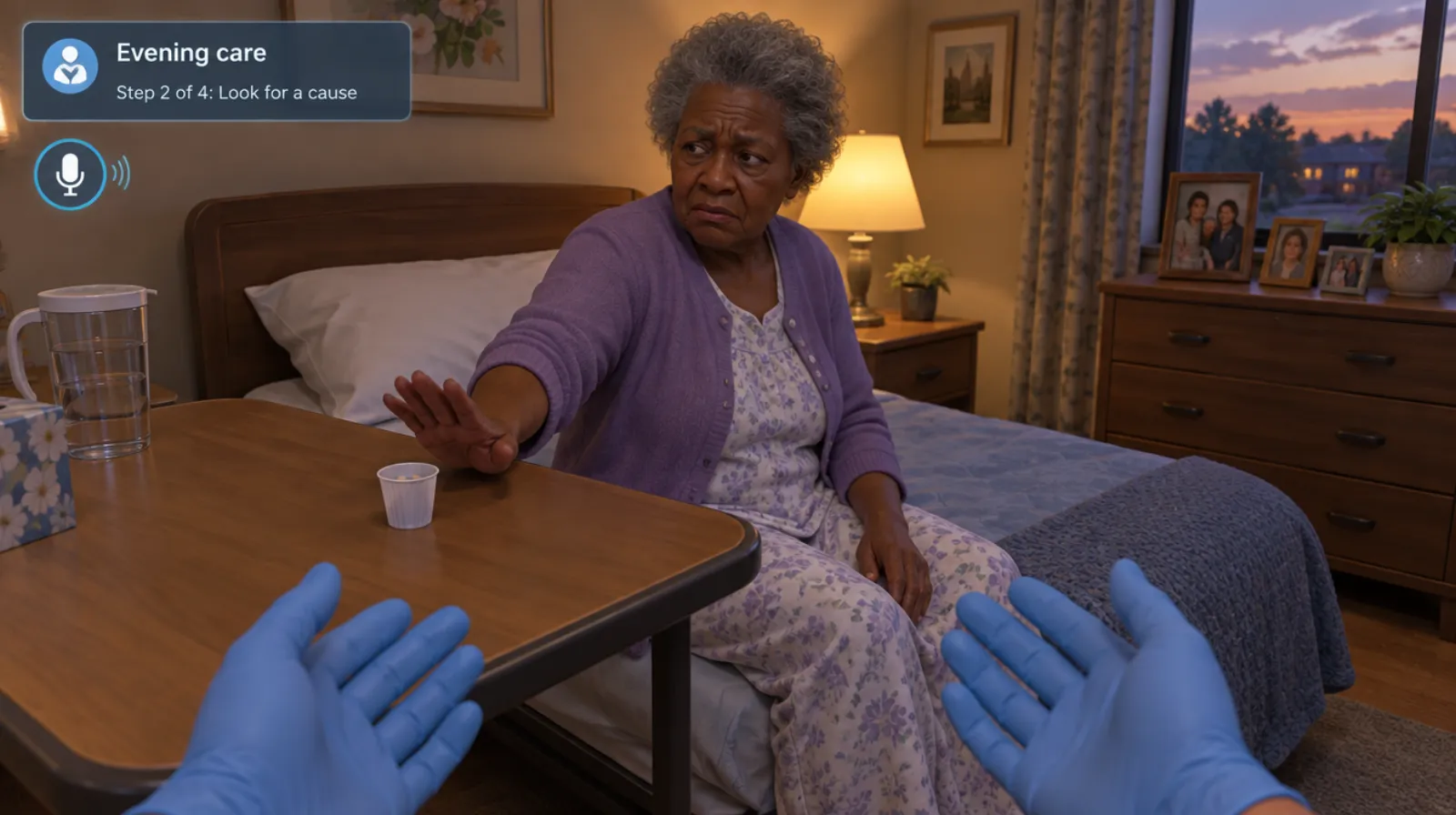
Dementia care
Agitation, care refusal, and late-day confusion in residents with dementia.
Read more →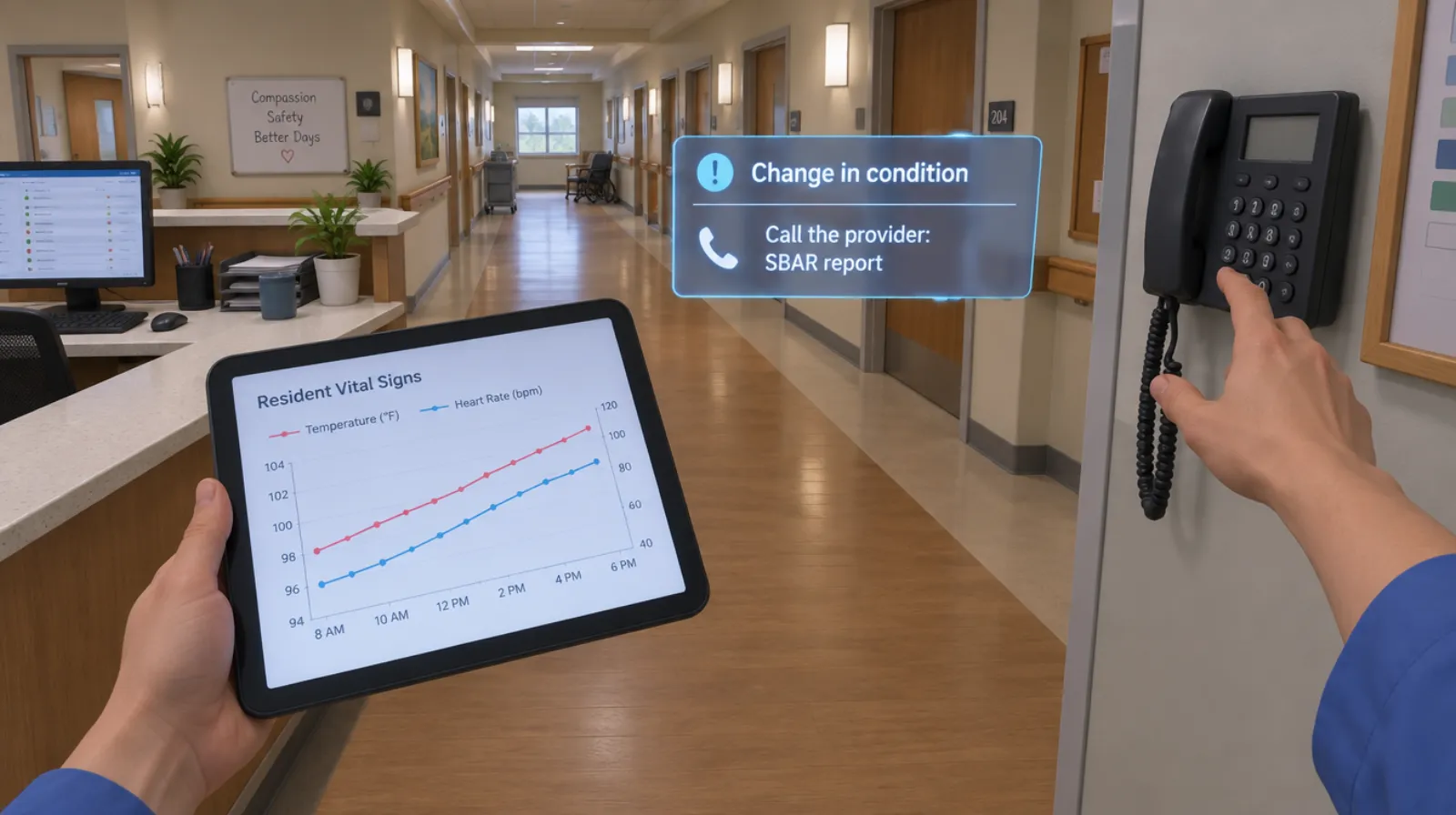
Change in condition and SBAR
Noticing that a resident or patient is different, and calling it in clearly.
Read more →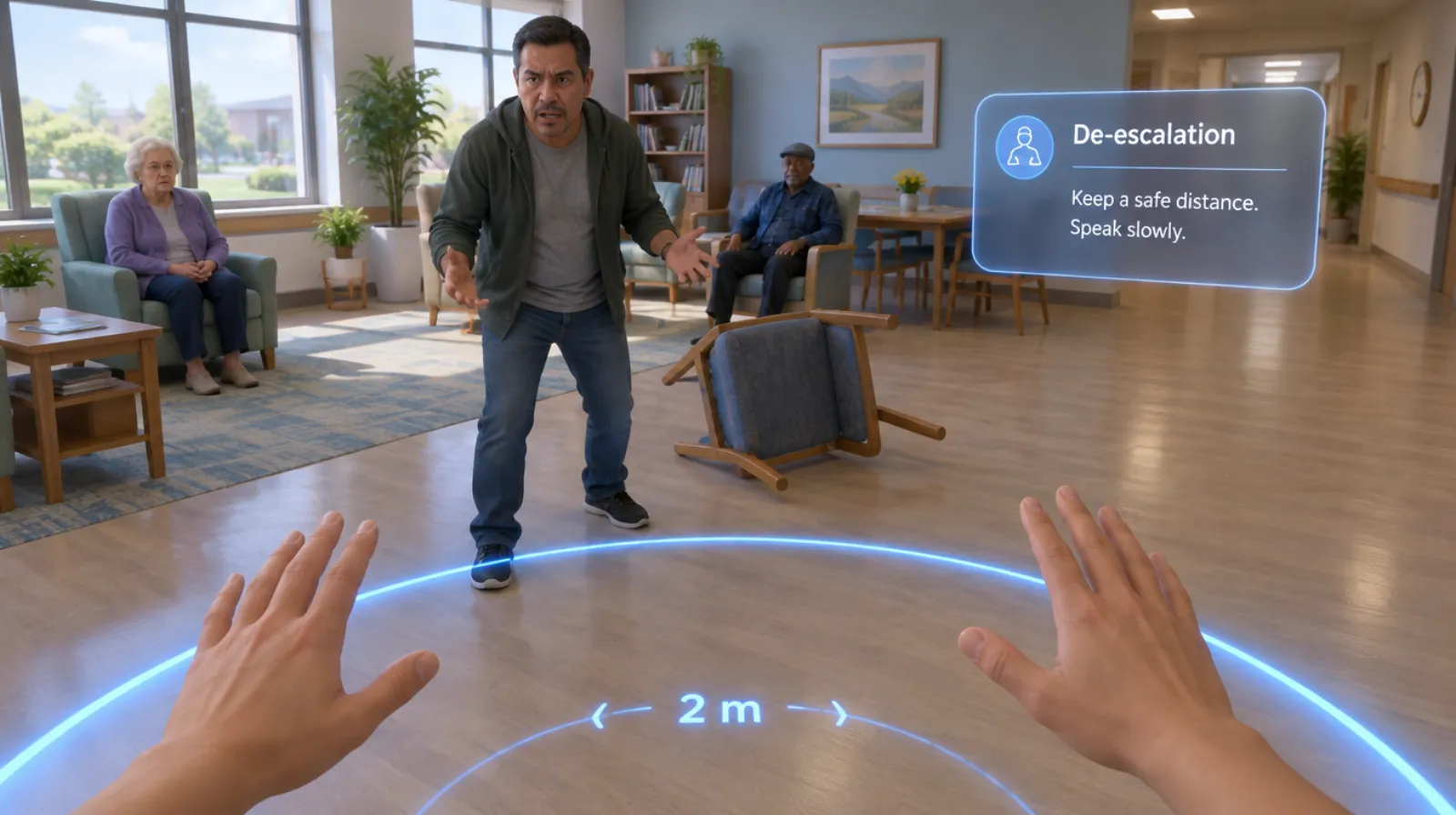
Behavioral health de-escalation
Keeping yourself and others safe when someone is in crisis.
Read more →Questions
About this module.
The default sequence follows CDC guidance on PPE. We adjust it to match your policy.
See infection control and ppe in a headset.
Book a demo and we’ll walk you through the module, show you what the records look like, and talk about adapting it to your team.