Blue tech, defense, and governmentMarine welding inspection
VR training module
Shipyard welding practice, from setup to inspection.
Trainees set up a weld in shipyard conditions, then inspect training joints for common defects and decide what passes.
- Every action, decision, and word recorded and analyzed
- Runs on Meta Quest headsets, managed from the Bubbler Hub
- Adapted to your procedures before rollout
- Built on our marine welding Sim Lab.
Marine welding inspection
- 01Hot work permit
- 02Setup
- 03Weld
- 04Inspect
- 05Decide
Signs you need this
Signs your training needs more practice
Rework rates are high
Defects are found late in inspection.
New welders don’t know shipyard conditions
Tight spaces and positions are new to them.
Visual inspection is inconsistent
Different people pass different welds.
Hot work rules are complex
Shipyard hot work has extra steps.
Hiring outpaces training
Shipyards need more welders than they can train on site.
What the module includes
5 chapters, in the order the work happens.
Learners can run the whole module or repeat a single chapter until they have it.
- 01
Hot work permit
Complete the shipyard hot work steps.
- 02
Setup
Set up for the joint and position.
- 03
Weld
Complete the training joint.
- 04
Inspect
Find porosity, undercut, and other defects.
- 05
Decide
Accept or reject the weld and explain why.
What gets recorded
Every attempt, analyzed step by step.
- Permit
- Each hot work step completed.
- Settings
- Settings compared with the procedure.
- Defects
- Defects found or missed.
- Decision
- Whether the accept or reject decision was correct.
Built around your work
Your procedure, not a generic one.
- Your welding procedures
- Your joint types and positions
- Your acceptance criteria
- Your hot work permit
Your subject-matter experts review the module before anyone trains on it.
- 01
Live view
Watch what the learner sees in the headset from a laptop or tablet, with the current task, step, and progress. The video stream isn’t stored; the session record is.
- 02
Session record
Every step taken or missed, in order and timed, plus the decisions the learner made and what they said.
- 03
Learner history
Every attempt for each person, so you can see what improved and what still needs another run.
- 04
Program dashboard
Completion across the group, the steps most people miss, and who needs another attempt or a conversation.
- 05
Reports and exports
Dated completion reports for each person, as PDF or data files, for training files, audits, and accreditation.
Not just another course
What changes when practice moves into a headset.
| Classroom or video | This module | |
|---|---|---|
| How people learn | Slides, video, or a demonstration | Doing each step themselves |
| Mistakes | Found later, on the job | Shown the moment they happen |
| Consistency | Depends on the trainer | Same scenario for everyone |
| Repetition | Limited by time, materials, and equipment | As many attempts as each person needs |
| Records | Sign-in sheet | Each step, decision, and attempt, by person |
Related modules
Often run together.
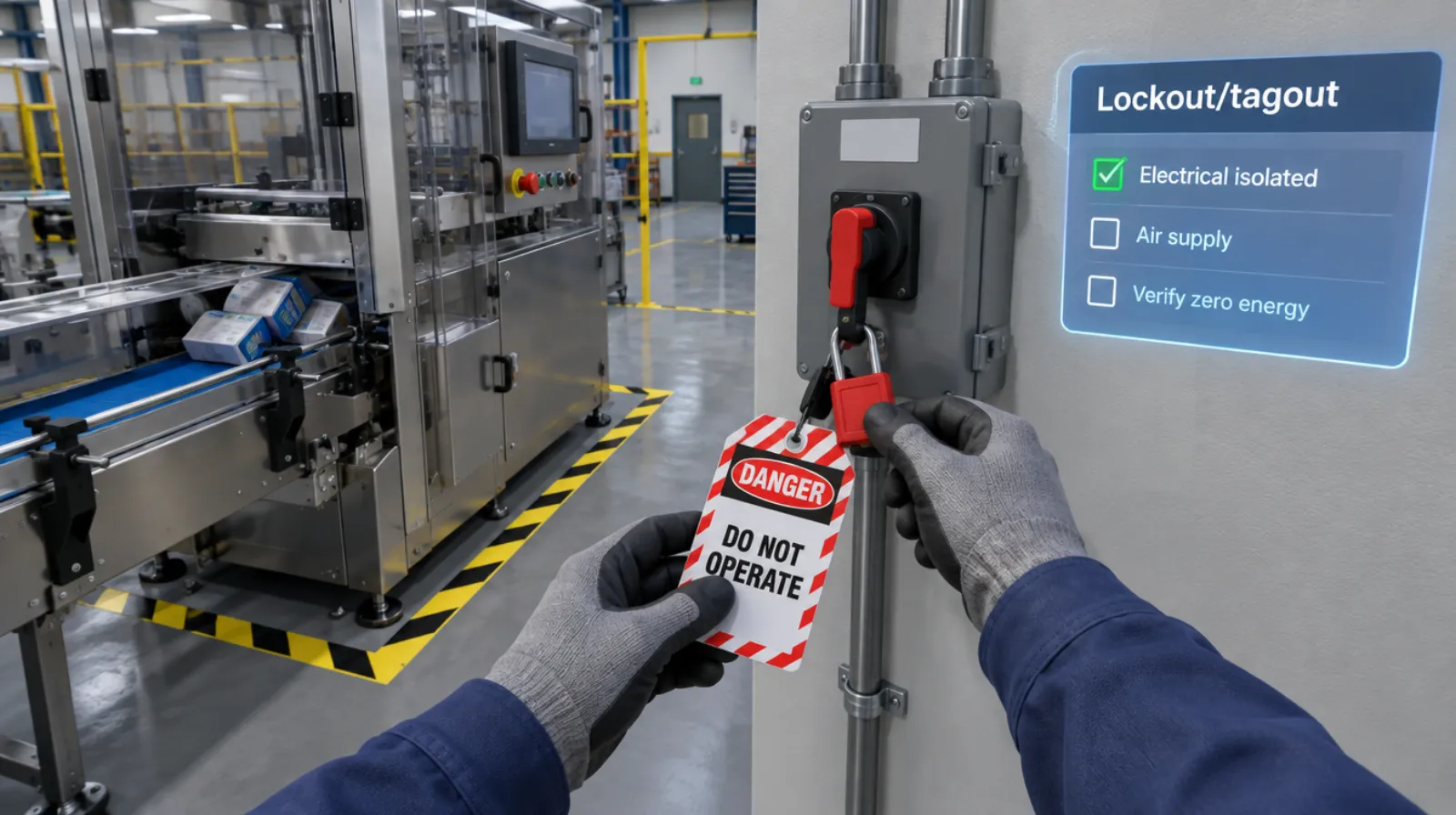
Lockout/tagout
Isolating every energy source and proving zero energy before work begins.
Read more →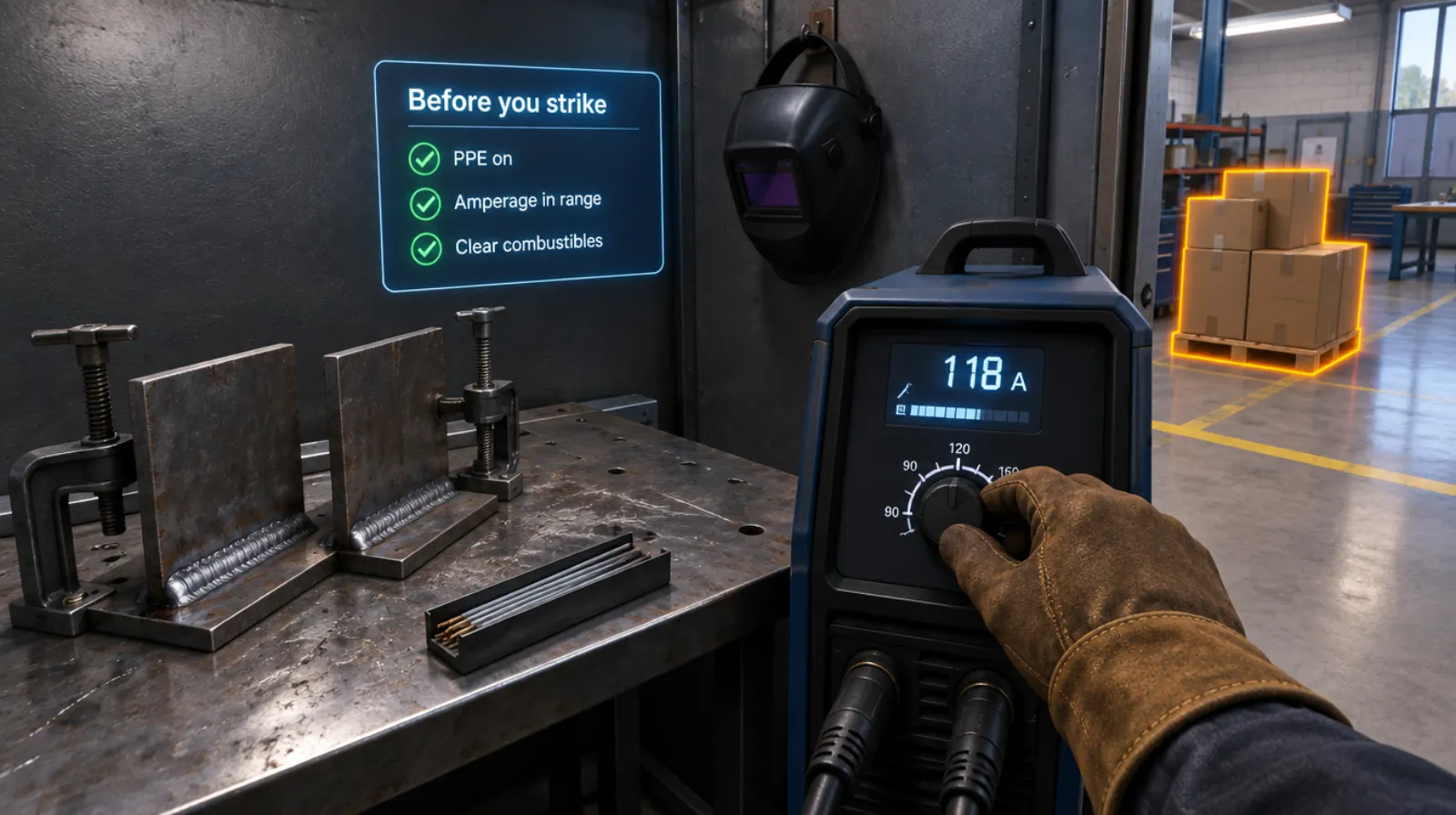
Welding setup and safety
PPE, machine settings, fire watch, and the handoff, before the arc strikes.
Read more →Electrical safety
5 chapters
Electrical safety
Working on a panel safely: lockout, testing, and arc flash awareness.
Read more →Questions
About this module.
No. Qualifications stay with your program.
See marine welding inspection in a headset.
Book a demo and we’ll walk you through the module, show you what the records look like, and talk about adapting it to your team.