Skilled trades and constructionTrench and fall hazards
VR training module
See the hazard before it becomes an incident.
Learners walk a jobsite and find the hazards: an unprotected trench, a missing guardrail, a ladder at the wrong angle, a worker without fall protection. Then they decide what to do about each one.
- Every action, decision, and word recorded and analyzed
- Runs on Meta Quest headsets, managed from the Bubbler Hub
- Adapted to your procedures before rollout
Trench and fall hazards
- 01Walk the site
- 02Trenches
- 03Falls
- 04Decide and act
- 05Talk about it
Signs you need this
Signs your training needs more practice
Hazards become normal
Workers walk past an open edge because it was there yesterday.
Trench protection is skipped
Short jobs in shallow trenches go unprotected.
Fall protection is inconsistent
Harnesses are worn but not tied off.
New workers don’t know what to look for
Safety orientation is a video.
Nobody stops work
Workers see a problem but don’t feel able to stop the job.
What the module includes
5 chapters, in the order the work happens.
Learners can run the whole module or repeat a single chapter until they have it.
- 01
Walk the site
Look for hazards across the site, not just your task.
- 02
Trenches
Recognize when protection is required and what is missing.
- 03
Falls
Find open edges, holes, and bad ladder setups.
- 04
Decide and act
Stop work, fix it, or report it.
- 05
Talk about it
Raise the issue with the foreman clearly.
What gets recorded
Every attempt, analyzed step by step.
- Hazards found
- Each hazard found or missed.
- Decisions
- What the learner did about each hazard.
- Stop work
- Whether work was stopped when it should have been.
- Communication
- How the issue was raised.
Built around your work
Your procedure, not a generic one.
- Your site types
- Your safety program
- Hazards from your incident history
- Your stop-work procedure
Your subject-matter experts review the module before anyone trains on it.
- 01
Live view
Watch what the learner sees in the headset from a laptop or tablet, with the current task, step, and progress. The video stream isn’t stored; the session record is.
- 02
Session record
Every step taken or missed, in order and timed, plus the decisions the learner made and what they said.
- 03
Learner history
Every attempt for each person, so you can see what improved and what still needs another run.
- 04
Program dashboard
Completion across the group, the steps most people miss, and who needs another attempt or a conversation.
- 05
Reports and exports
Dated completion reports for each person, as PDF or data files, for training files, audits, and accreditation.
Not just another course
What changes when practice moves into a headset.
| Classroom or video | This module | |
|---|---|---|
| How people learn | Slides, video, or a demonstration | Doing each step themselves |
| Mistakes | Found later, on the job | Shown the moment they happen |
| Consistency | Depends on the trainer | Same scenario for everyone |
| Repetition | Limited by time, materials, and equipment | As many attempts as each person needs |
| Records | Sign-in sheet | Each step, decision, and attempt, by person |
Related modules
Often run together.
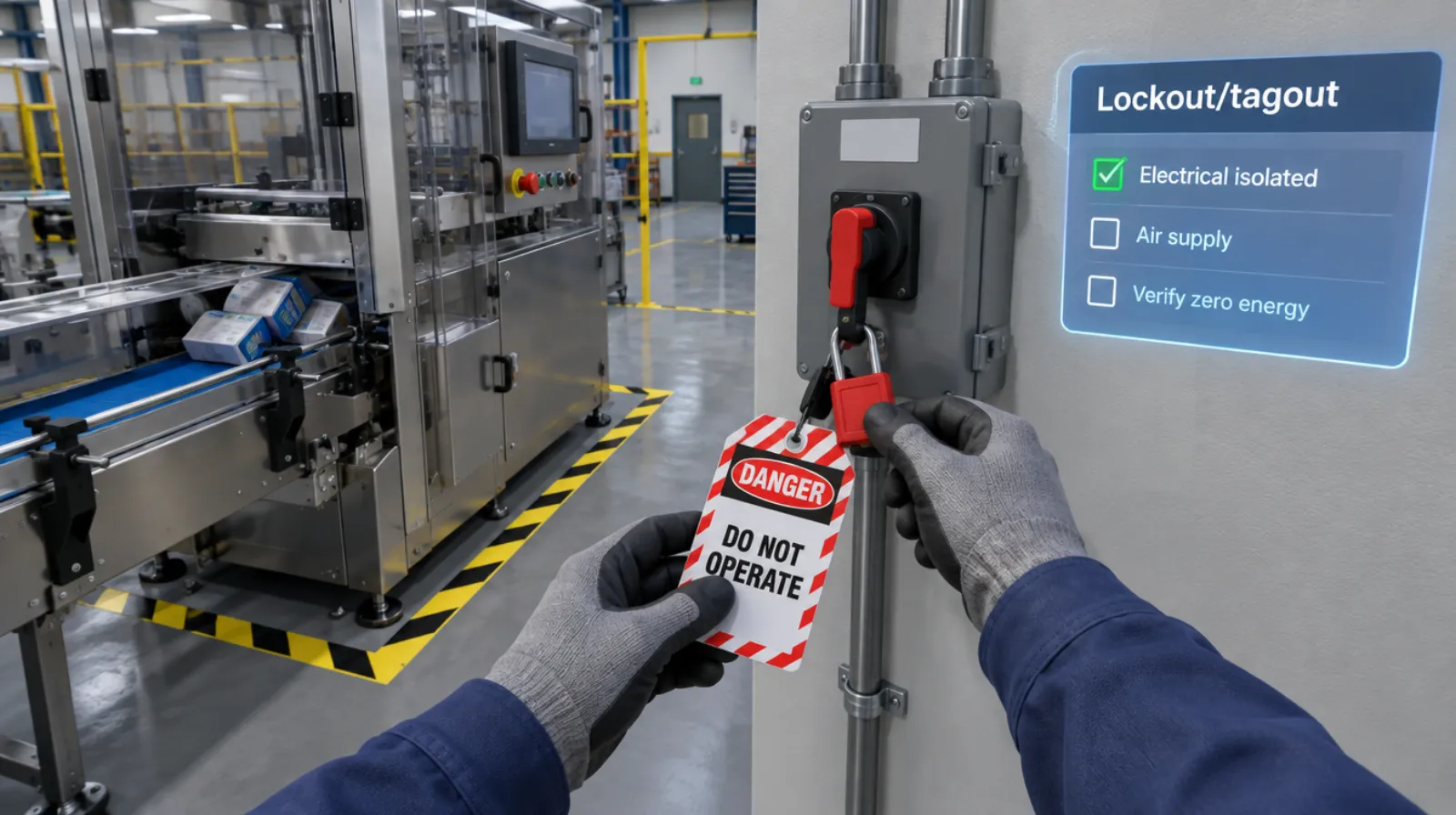
Lockout/tagout
Isolating every energy source and proving zero energy before work begins.
Read more →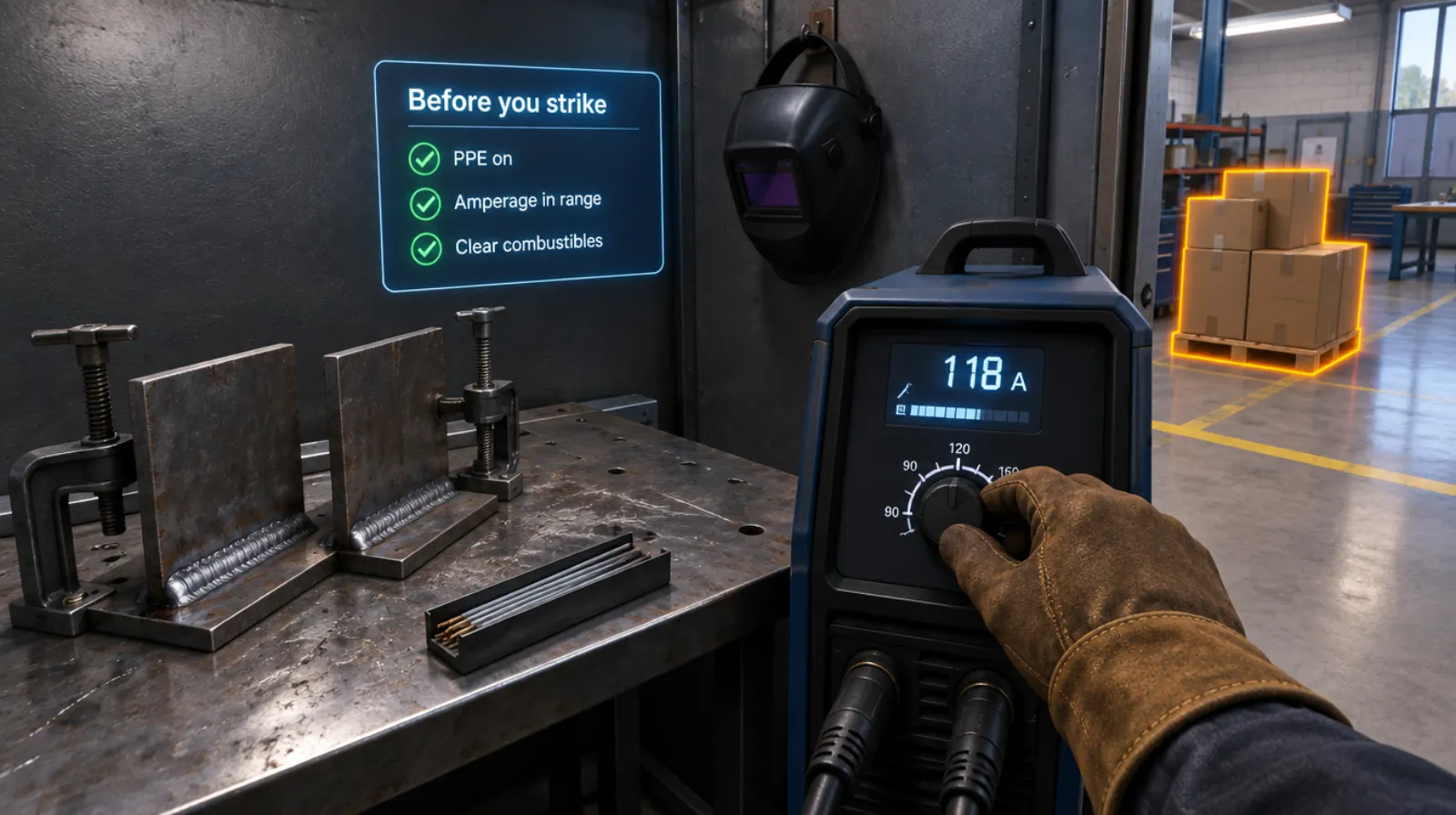
Welding setup and safety
PPE, machine settings, fire watch, and the handoff, before the arc strikes.
Read more →Electrical safety
5 chapters
Electrical safety
Working on a panel safely: lockout, testing, and arc flash awareness.
Read more →Questions
About this module.
No. It is practice that supports that training.
See trench and fall hazards in a headset.
Book a demo and we’ll walk you through the module, show you what the records look like, and talk about adapting it to your team.