Soft skills and salesCustomer de-escalation
VR training module
Stay calm when the customer isn’t.
Frontline staff face a customer who is angry about a real problem. They practice listening, apologizing, and solving it, and see the customer calm down or get angrier depending on what they say.
- Every action, decision, and word recorded and analyzed
- Runs on Meta Quest headsets, managed from the Bubbler Hub
- Adapted to your procedures before rollout
Customer de-escalation
- 01Listen
- 02Acknowledge
- 03Solve
- 04Saying no
- 05Hand off
Signs you need this
Signs your training needs more practice
Complaints escalate
Customers ask for a manager because the first response made it worse.
Staff get defensive
Employees explain policy instead of listening.
Turnover is high
Difficult customers burn staff out.
Training is a video
Customer service training is watched, not practiced.
Recovery is inconsistent
Some staff can fix problems; others can’t.
What the module includes
5 chapters, in the order the work happens.
Each chapter is a conversation learners have out loud. They can repeat any chapter and try a different approach.
- 01
Listen
Let the customer explain without interrupting.
- 02
Acknowledge
Show you understand the problem and the frustration.
- 03
Solve
Offer what you can do.
- 04
Saying no
Say no to what you can’t do while keeping the customer.
- 05
Hand off
Bring in a supervisor when needed.
What gets recorded
Every attempt, analyzed step by step.
- Transcript
- What was said by each side.
- Customer mood
- How the customer’s mood changed during the conversation.
- Key moments
- Listening, acknowledging, and offering a solution.
- Outcome
- Whether the problem was resolved.
Built around your work
Your procedure, not a generic one.
- Your customers and common complaints
- Your policies and what staff can offer
- Your escalation process
- Phone, counter, or in-person settings
Your subject-matter experts review the module before anyone trains on it.
- 01
Live view
Watch what the learner sees in the headset from a laptop or tablet, with the current task, step, and progress. The video stream isn’t stored; the session record is.
- 02
Session record
Every step taken or missed, in order and timed, plus the decisions the learner made and what they said.
- 03
Learner history
Every attempt for each person, so you can see what improved and what still needs another run.
- 04
Program dashboard
Completion across the group, the steps most people miss, and who needs another attempt or a conversation.
- 05
Reports and exports
Dated completion reports for each person, as PDF or data files, for training files, audits, and accreditation.
Not just another course
What changes when practice moves into a headset.
| Classroom or video | This module | |
|---|---|---|
| How people learn | Slides, video, or a demonstration | Doing each step themselves |
| Mistakes | Found later, on the job | Shown the moment they happen |
| Consistency | Depends on the trainer | Same scenario for everyone |
| Repetition | Limited by time, materials, and equipment | As many attempts as each person needs |
| Records | Sign-in sheet | Each step, decision, and attempt, by person |
Related modules
Often run together.
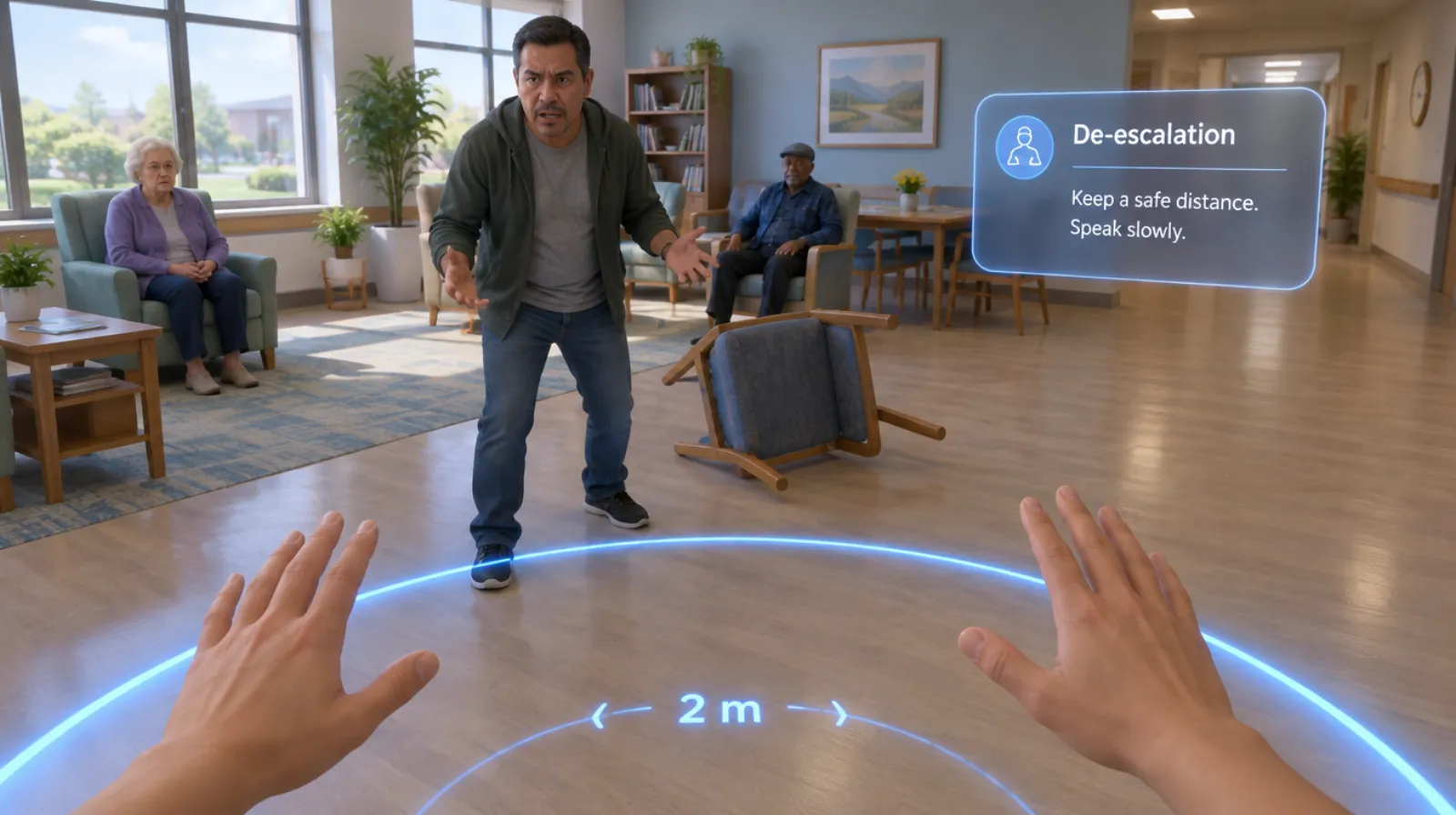
Behavioral health de-escalation
Keeping yourself and others safe when someone is in crisis.
Read more →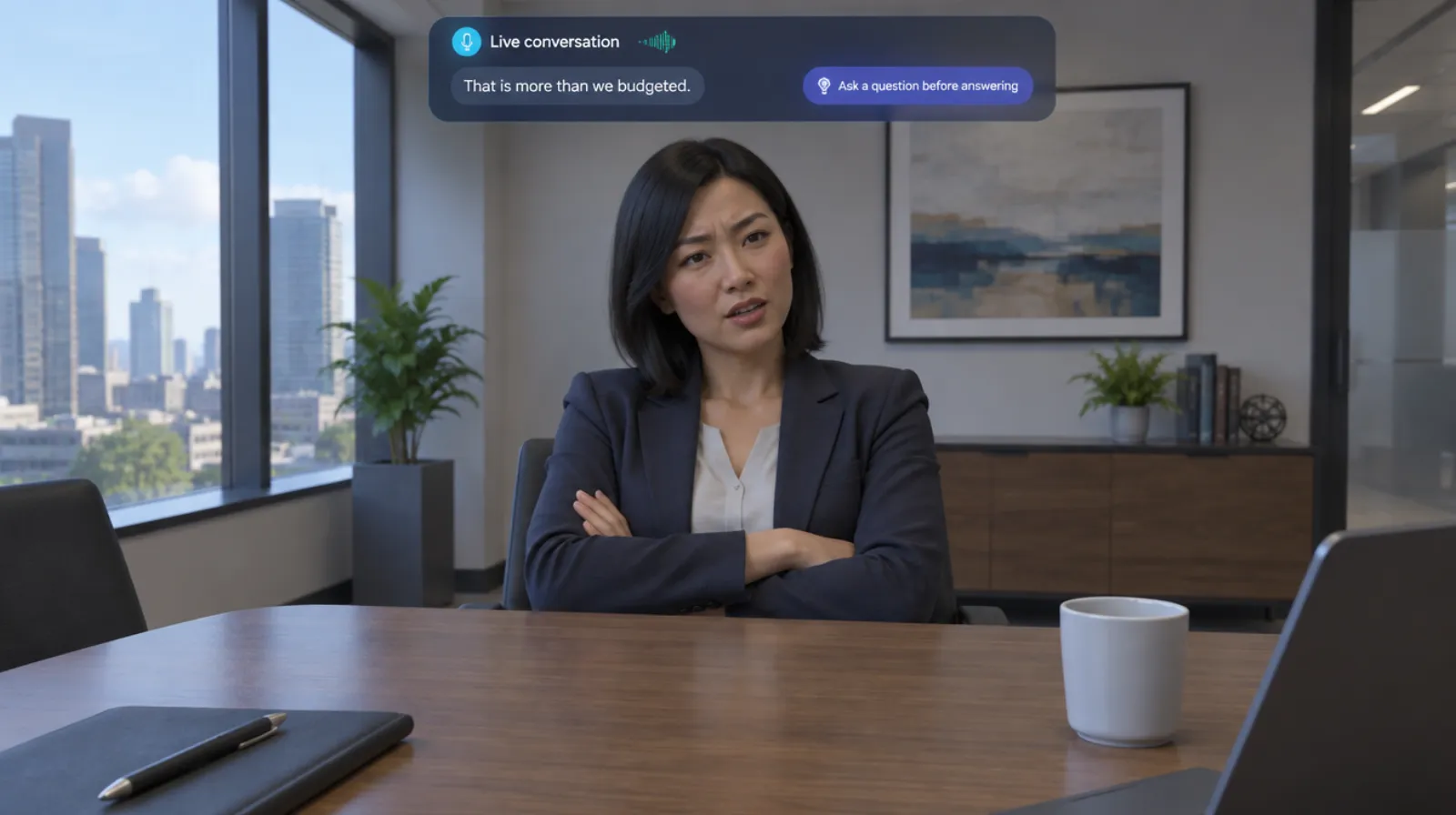
Sales objection handling
Answering price, timing, and competitor objections with a live buyer.
Read more →Discovery calls
5 chapters
Discovery calls
Asking the questions that uncover what the buyer actually needs.
Read more →Questions
About this module.
Yes. The conversation can be set up as a phone call.
See customer de-escalation in a headset.
Book a demo and we’ll walk you through the module, show you what the records look like, and talk about adapting it to your team.