Pharmaceutical and life sciencesLine clearance
VR training module
Find everything left behind before the next batch starts.
Trainees clear a packaging or filling line after a batch. Labels, tablets, and documents from the previous batch are hidden in realistic places, and trainees find and remove them before signing off.
- Every action, decision, and word recorded and analyzed
- Runs on Meta Quest headsets, managed from the Bubbler Hub
- Adapted to your procedures before rollout
Line clearance
- 01Prepare
- 02Remove materials
- 03Search the line
- 04Clean
- 05Verify and document
Signs you need this
Signs your training needs more practice
Mix-ups from the previous batch
Stray labels, cartons, or product turn up in the next run.
Clearance is a checkbox
Line clearance is signed without a real search.
Second checks aren’t independent
The verifier walks the line with the operator instead of checking alone.
Hiding spots are unknown
New staff don’t know where material collects on the line.
Deviations repeat
The same clearance finding appears in multiple investigations.
What the module includes
5 chapters, in the order the work happens.
Learners can run the whole module or repeat a single chapter until they have it.
- 01
Prepare
Review the previous batch and the clearance checklist.
- 02
Remove materials
Remove product, components, and documents from the previous batch.
- 03
Search the line
Check the places material collects: under guards, in chutes, on the floor.
- 04
Clean
Clean according to your procedure.
- 05
Verify and document
Complete the checklist and hand off for independent verification.
What gets recorded
Every attempt, analyzed step by step.
- Items found
- Each hidden item found or missed.
- Search coverage
- Which areas of the line were checked.
- Checklist
- Each checklist item completed accurately.
- Documentation
- Errors in the simulated record.
Built around your work
Your procedure, not a generic one.
- Your line layout and equipment
- Your clearance checklist
- The items most often missed on your lines
- Your documentation forms
Your subject-matter experts review the module before anyone trains on it.
- 01
Live view
Watch what the learner sees in the headset from a laptop or tablet, with the current task, step, and progress. The video stream isn’t stored; the session record is.
- 02
Session record
Every step taken or missed, in order and timed, plus the decisions the learner made and what they said.
- 03
Learner history
Every attempt for each person, so you can see what improved and what still needs another run.
- 04
Program dashboard
Completion across the group, the steps most people miss, and who needs another attempt or a conversation.
- 05
Reports and exports
Dated completion reports for each person, as PDF or data files, for training files, audits, and accreditation.
Not just another course
What changes when practice moves into a headset.
| Classroom or video | This module | |
|---|---|---|
| How people learn | Slides, video, or a demonstration | Doing each step themselves |
| Mistakes | Found later, on the job | Shown the moment they happen |
| Consistency | Depends on the trainer | Same scenario for everyone |
| Repetition | Limited by time, materials, and equipment | As many attempts as each person needs |
| Records | Sign-in sheet | Each step, decision, and attempt, by person |
Related modules
Often run together.
Infection control and PPE
5 chapters
Infection control and PPE
Hand hygiene and putting on and taking off PPE in the right order.
Read more →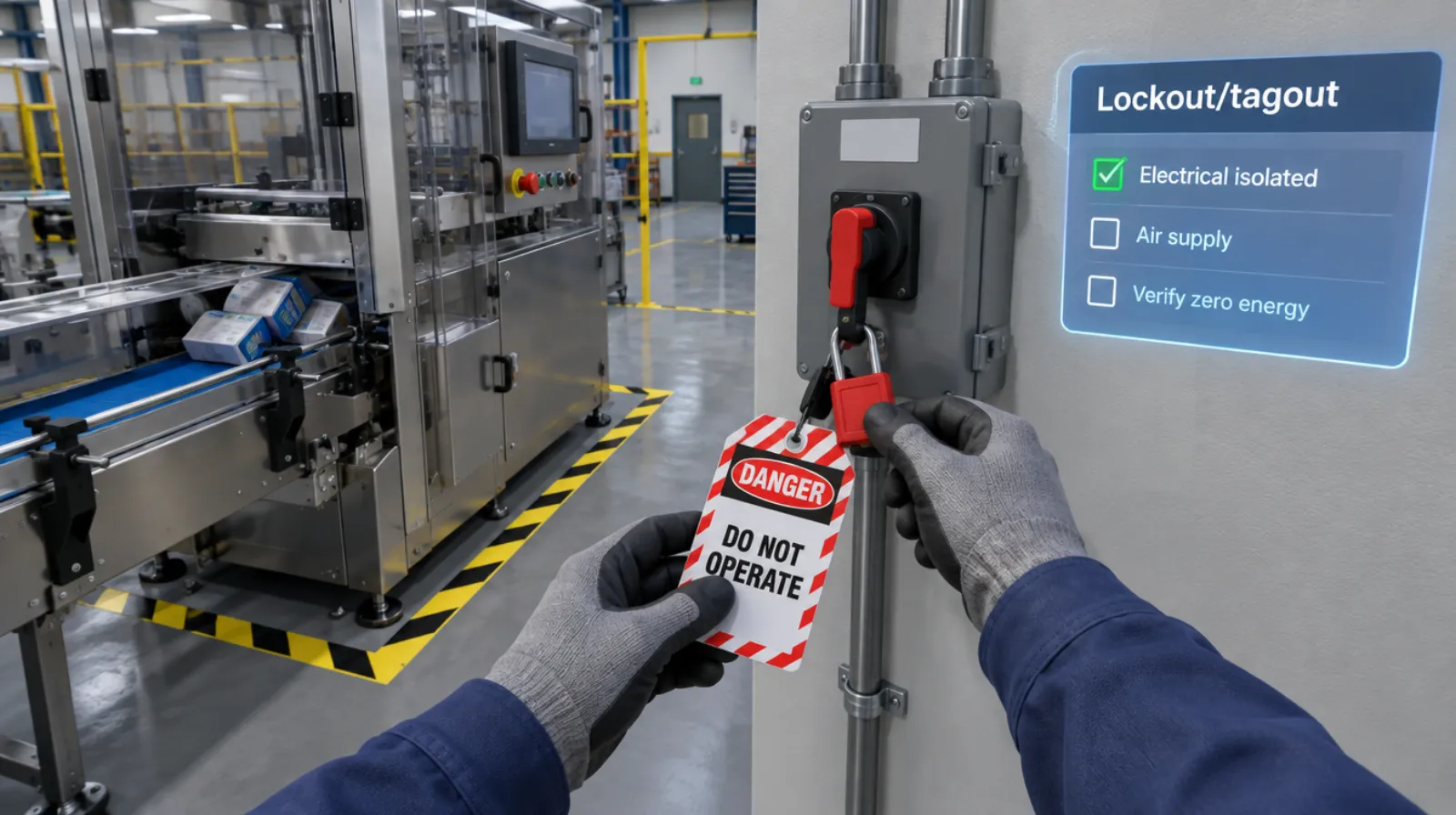
Lockout/tagout
Isolating every energy source and proving zero energy before work begins.
Read more →Machine startup and changeover
5 chapters
Machine startup and changeover
Pre-start checks, startup, changeover, and shutdown sequences.
Read more →Questions
About this module.
Yes. We model the line from photos, drawings, and a walkthrough.
See line clearance in a headset.
Book a demo and we’ll walk you through the module, show you what the records look like, and talk about adapting it to your team.