Soft skills and salesProduct training
VR training module
Know the product well enough to explain it to a skeptic.
Reps and frontline staff walk through a product, then explain it to a customer character who asks the questions real customers ask. Launches and feature updates become a conversation to practice, not a slide deck to read.
- Every action, decision, and word recorded and analyzed
- Runs on Meta Quest headsets, managed from the Bubbler Hub
- Adapted to your procedures before rollout
Product training
- 01Product brief
- 02Explain it
- 03Answer questions
- 04Compare
- 05Recommend
Signs you need this
Signs your training needs more practice
Launch training is a webinar
Reps watch the launch deck once and start selling the next day.
Reps can’t answer follow-ups
The pitch is fine until the customer asks a second question.
Claims drift
Staff overstate what the product does, or understate it.
Product knowledge varies by person
Some reps know the product deeply; others rely on the brochure.
Updates don’t reach the field
Feature changes take months to show up in how people talk about the product.
What the module includes
5 chapters, in the order the work happens.
Each chapter is a conversation learners have out loud. They can repeat any chapter and try a different approach.
- 01
Product brief
A short walkthrough of the product, who it is for, and what has changed.
- 02
Explain it
Describe the product to a customer in plain language.
- 03
Answer questions
Handle the questions customers actually ask, including the hard ones.
- 04
Compare
Explain how it differs from what the customer uses now.
- 05
Recommend
Match the product to the customer’s situation and suggest a next step.
What gets recorded
Every attempt, analyzed step by step.
- Transcript
- Everything the learner and the customer said.
- Accuracy
- Whether product statements matched your approved information.
- Questions answered
- Which customer questions were answered, and which were missed.
- Recommendation
- Whether the recommendation fit the customer’s situation.
Built around your work
Your procedure, not a generic one.
- Your product sheets, FAQs, and approved claims
- Customer types and the questions they ask
- Launch timelines and feature updates
- Your sales or service process
Your subject-matter experts review the module before anyone trains on it.
- 01
Live view
Watch what the learner sees in the headset from a laptop or tablet, with the current task, step, and progress. The video stream isn’t stored; the session record is.
- 02
Session record
Every step taken or missed, in order and timed, plus the decisions the learner made and what they said.
- 03
Learner history
Every attempt for each person, so you can see what improved and what still needs another run.
- 04
Program dashboard
Completion across the group, the steps most people miss, and who needs another attempt or a conversation.
- 05
Reports and exports
Dated completion reports for each person, as PDF or data files, for training files, audits, and accreditation.
Not just another course
What changes when practice moves into a headset.
| Classroom or video | This module | |
|---|---|---|
| How people learn | Slides, video, or a demonstration | Doing each step themselves |
| Mistakes | Found later, on the job | Shown the moment they happen |
| Consistency | Depends on the trainer | Same scenario for everyone |
| Repetition | Limited by time, materials, and equipment | As many attempts as each person needs |
| Records | Sign-in sheet | Each step, decision, and attempt, by person |
Related modules
Often run together.
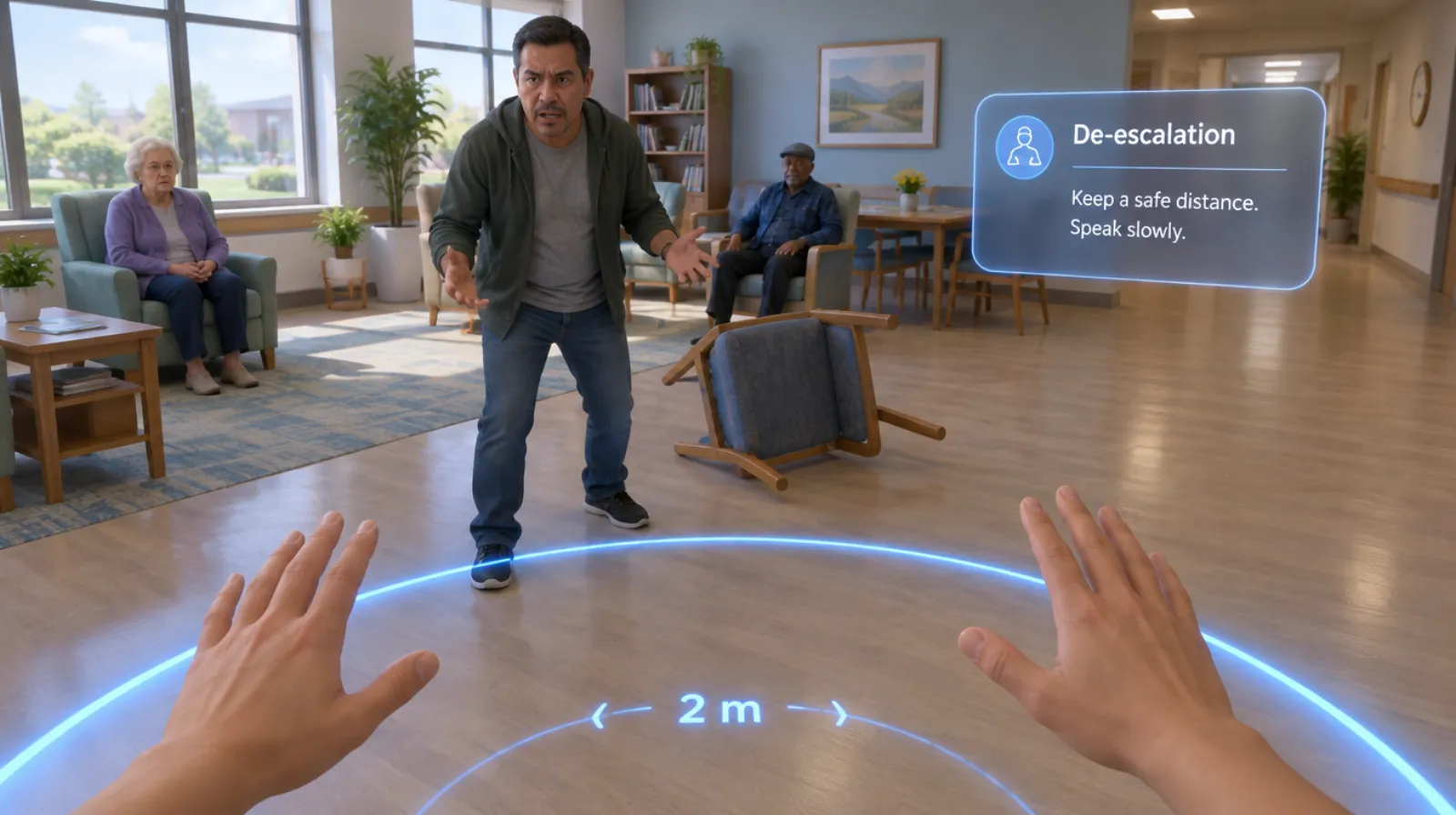
Behavioral health de-escalation
Keeping yourself and others safe when someone is in crisis.
Read more →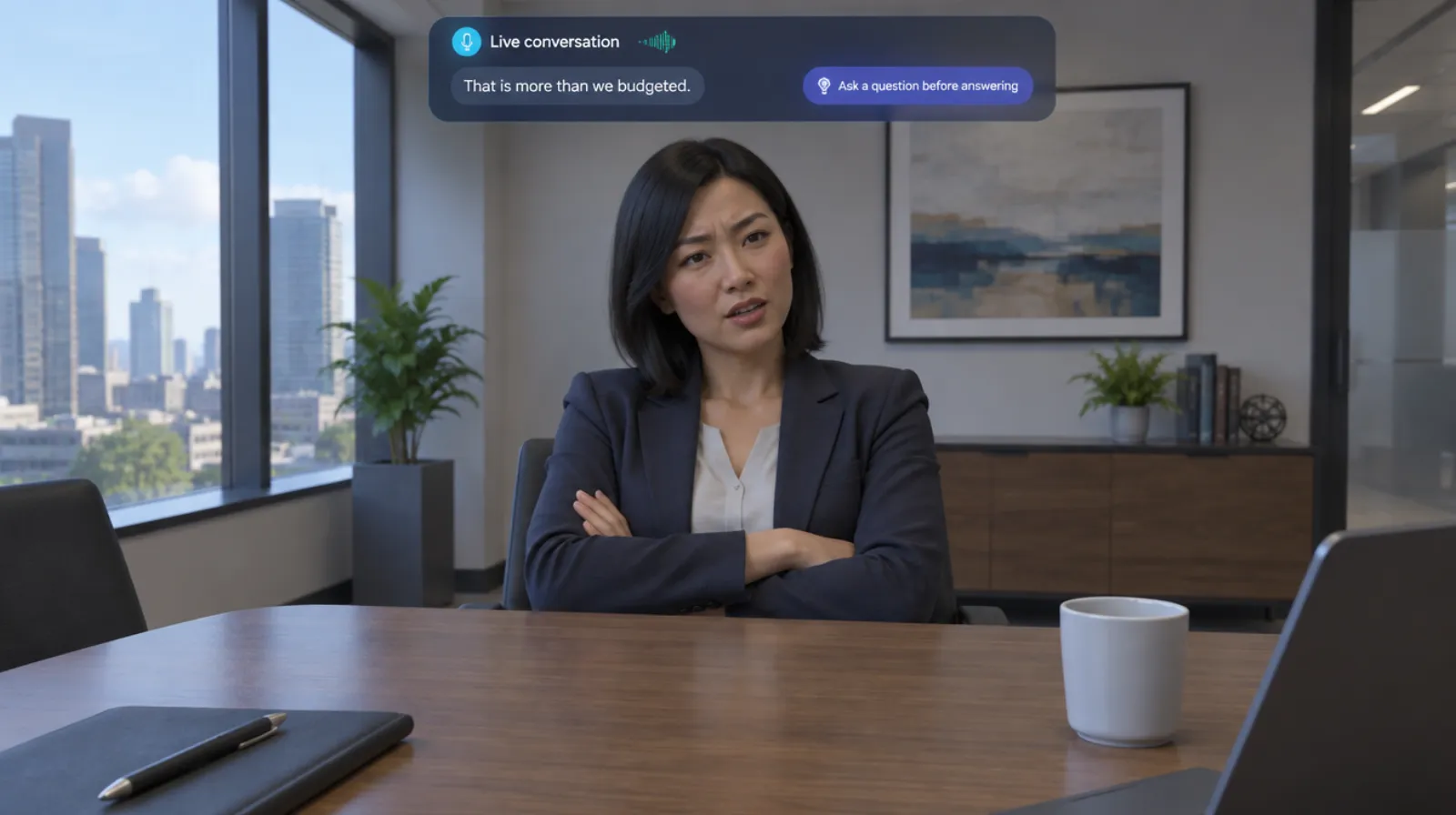
Sales objection handling
Answering price, timing, and competitor objections with a live buyer.
Read more →Discovery calls
5 chapters
Discovery calls
Asking the questions that uncover what the buyer actually needs.
Read more →Questions
About this module.
We build from your product documents. Timing depends on the product, and we agree it in the scope.
See product training in a headset.
Book a demo and we’ll walk you through the module, show you what the records look like, and talk about adapting it to your team.